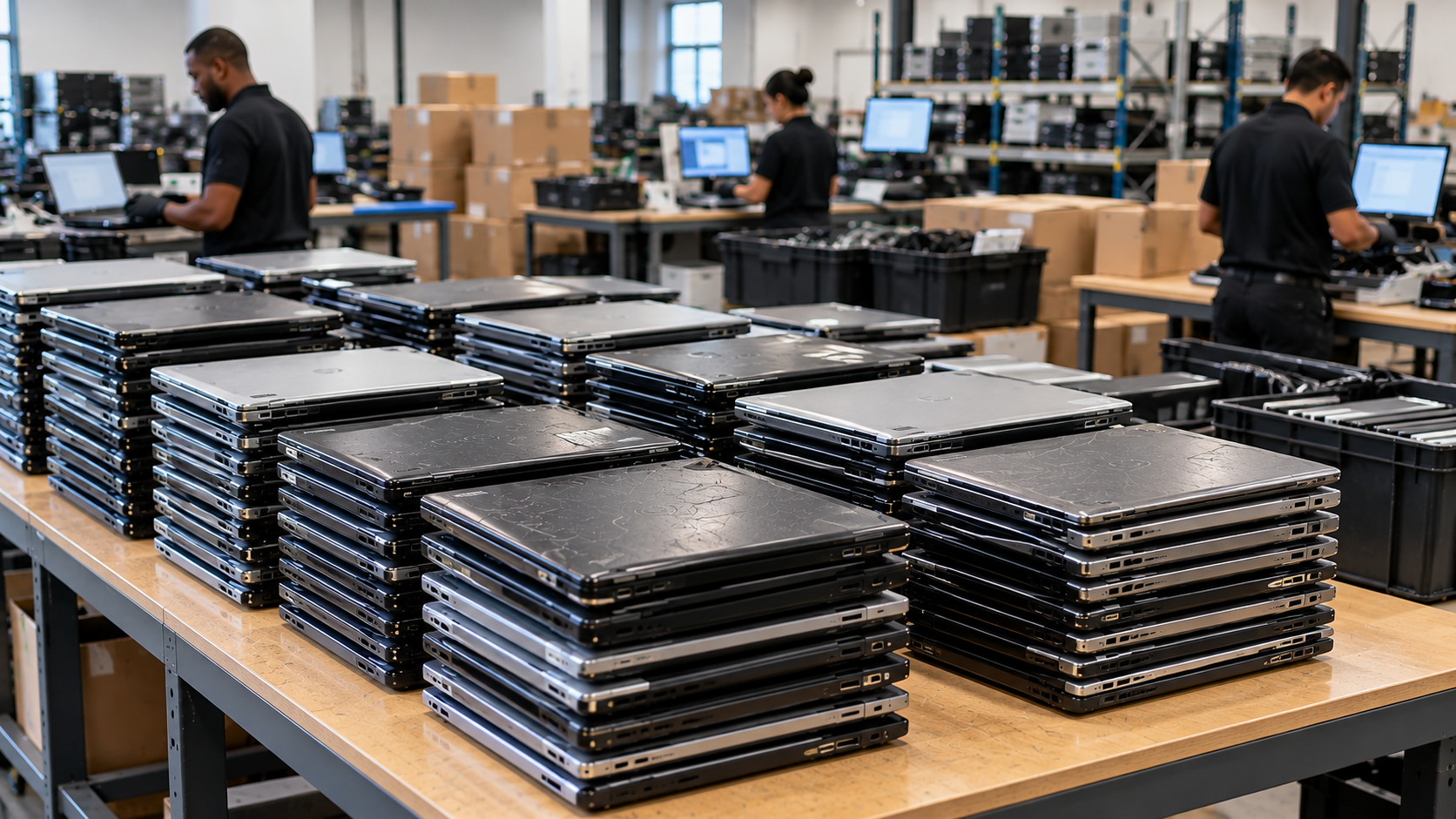
Closing an office creates a deadline for everything, including retired technology. Computers, servers, storage devices, phones, printers and networking gear may contain sensitive data, reusable value, batteries or materials that need controlled handling.
A good office closure electronics recycling checklist does three things: identifies every asset, protects data until sanitization is verified, and documents where equipment went. Start before the final move-out week so IT, facilities and the recycling or ITAD provider have time to coordinate.
1. Set an Owner and Removal Deadline
Choose one person or team to control the electronics disposition project. Coordinate with IT, facilities, finance, procurement, legal or compliance teams where needed.
Work backward from the lease surrender date. Confirm building rules for loading docks, elevators, insurance and after-hours access before scheduling pickup.
2. Inventory Equipment Before Anything Leaves
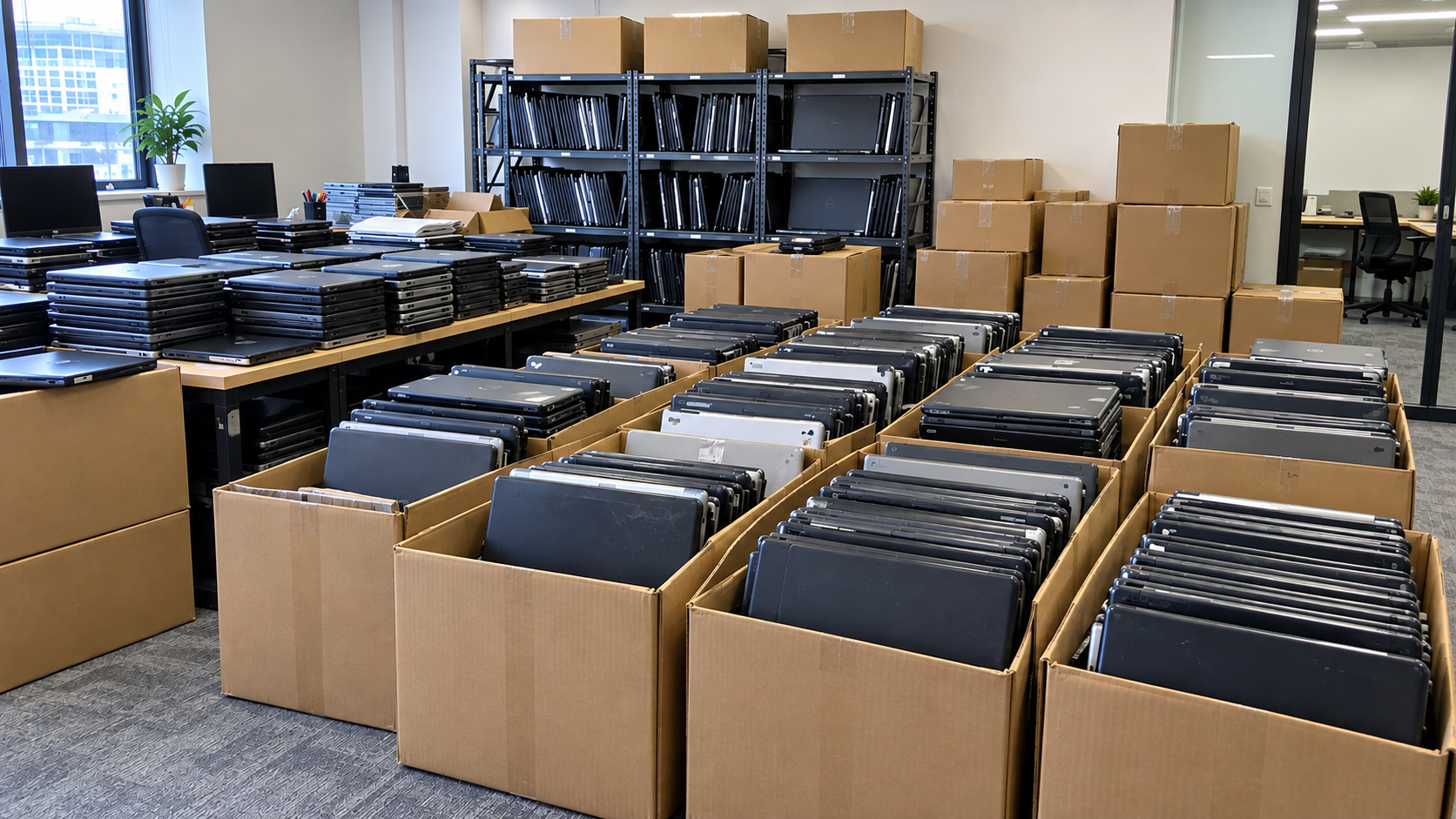
Walk every office, server room, storage closet and conference area. Record equipment by category and, for higher-value or data-bearing devices, capture serial numbers or asset tags when practical.
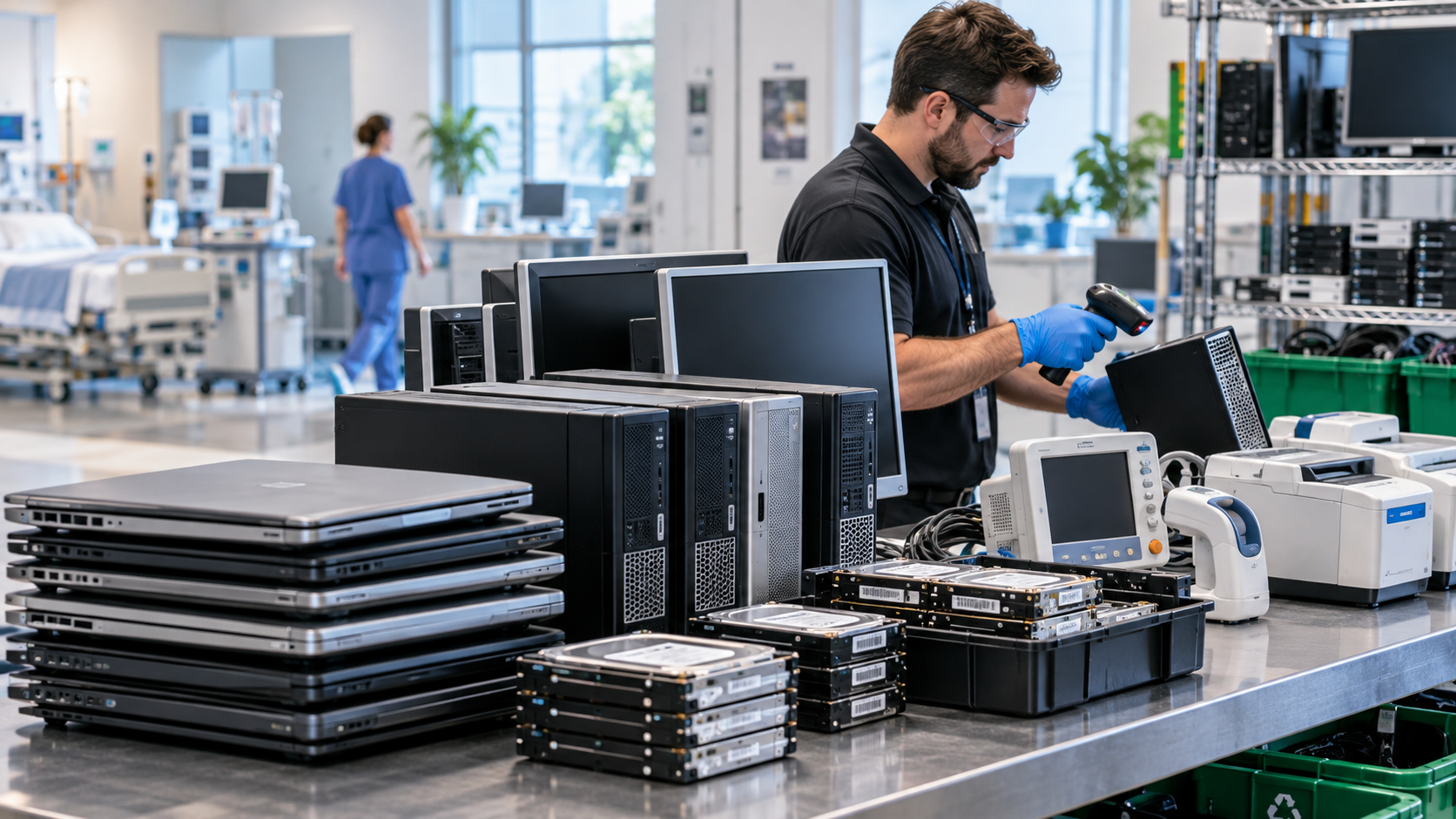
Include computers, laptops, servers, HDDs, SSDs, storage arrays, monitors, printers, copiers, routers, switches, phones, UPS units, docks and accessories.
Separate leased equipment, employee-owned devices and anything being transferred to another location. Do not recycle an asset simply because it is sitting in the shutdown area.
3. Identify Every Data-Bearing Device
Data-bearing equipment is not limited to laptops and hard drives. Servers, multifunction printers, network appliances, tablets, phones and removable media may retain information.
Before sanitization or destruction, confirm whether company records must be migrated, backed up or preserved. Legal holds, retention requirements and contractual obligations should be resolved internally before data is destroyed.
NIST defines media sanitization as making access to target data infeasible for a given level of effort. Its current guidance, NIST SP 800-88 Rev. 2, focuses on establishing a sanitization program based on information sensitivity, media type and appropriate controls. Revision 2 was published in September 2025 and superseded Revision 1.
4. Decide What Will Be Reused, Resold or Recycled
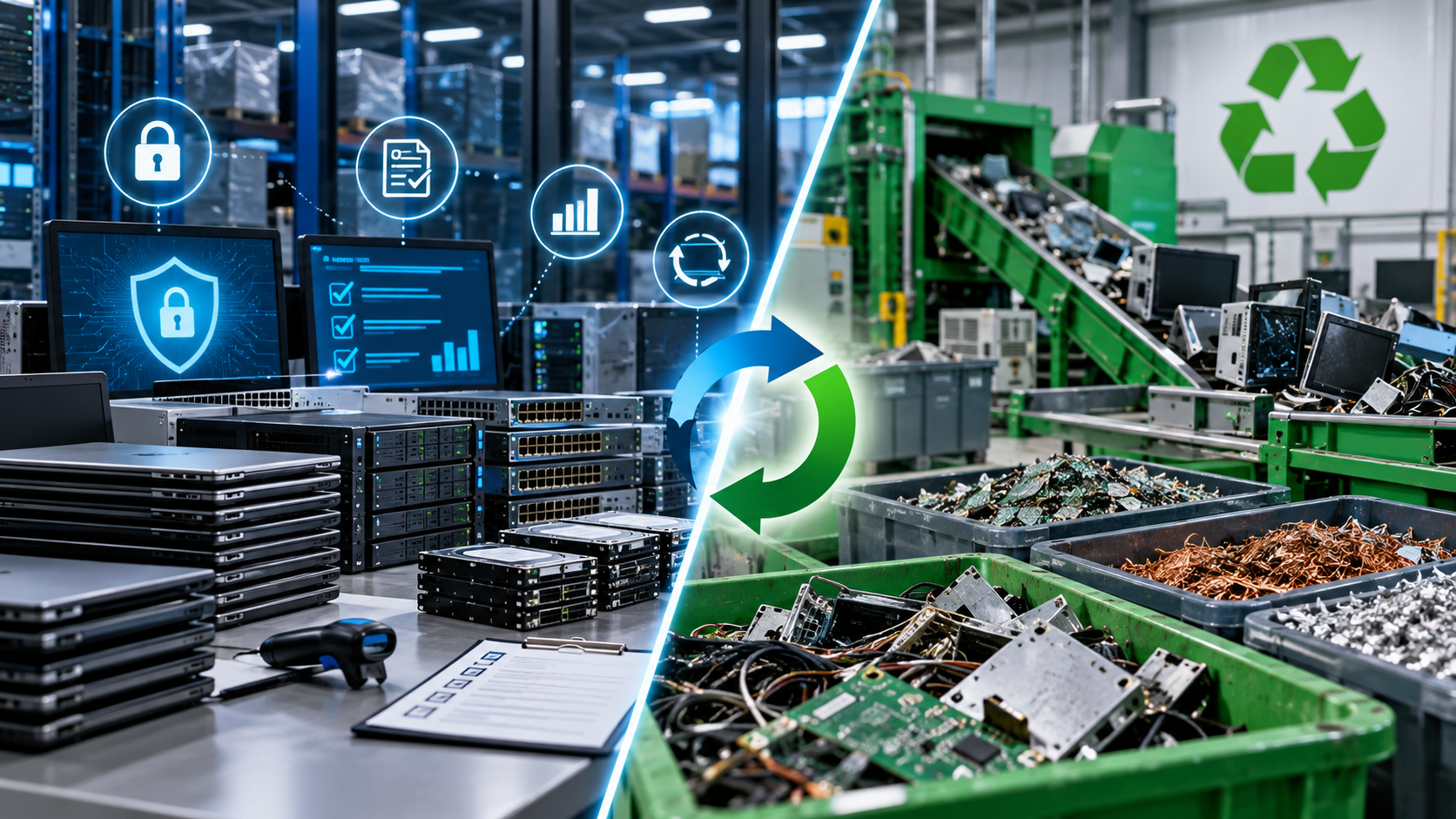
Working equipment may have reuse or resale value after appropriate data sanitization and testing. Damaged, obsolete or low-value equipment may be better suited for materials recovery.
Make the disposition decision before pickup where possible. This prevents reusable equipment from being mixed with scrap and helps the provider understand what requires erasure, physical destruction, remarketing or recycling.
EPA notes that extending the useful life of working electronics through reuse can prevent waste, while businesses can send equipment for recycling when reuse or repair is no longer practical.
5. Define Data Sanitization and Destruction Requirements
Do not use “delete the files” as a data-security plan. Specify how different media should be handled and what verification you require.
Ask the provider:
Which methods are used for HDDs, SSDs and mobile devices?
What happens when a device cannot be logically sanitized?
How is sanitization validated?
Can assets be tracked by serial number?
Will you receive a certificate or itemized destruction record?
Where are data-bearing devices stored before processing?
R2v3 requires data-security controls for R2 facilities, while Appendix B addresses enhanced requirements associated with logical sanitization, tracking, verification and related controls.
EPA recognizes R2 and e-Stewards as the two accredited certification standards for electronics recyclers. Certification does not remove the need for vendor due diligence, but it gives businesses a useful third-party framework when evaluating environmental, security and downstream-management practices.
6. Plan a Secure Chain of Custody
Chain of custody is documented control of equipment from your possession through transport and processing. Determine when custody transfers, who can access staged devices and how equipment will be accounted for during pickup.
Keep data-bearing assets in a controlled area rather than an open hallway or loading dock. Match outgoing equipment to your inventory, document exceptions and retain pickup records.
For organizations with specific contractual, security or regulatory obligations, communicate those requirements before the equipment is removed.
7. Separate Batteries and Unusual Equipment
Lithium-ion batteries and battery-containing devices should not go into ordinary trash or municipal recycling bins. EPA directs users toward appropriate electronics recyclers, participating take-back programs and other suitable collection options for these devices.
Flag swollen or damaged batteries, large UPS systems and specialty equipment when requesting a quote so the provider can confirm acceptance and handling requirements.
8. Vet the Provider Before Move-Out Week
Ask about accepted equipment, pickup requirements, transportation, data-security processes, certificates, downstream recycling practices and certification status.
For Houston businesses, do not assume the Texas Recycles Computers manufacturer program covers a commercial office shutdown. TCEQ states that the mandatory free manufacturer recycling programs apply to computer equipment purchased primarily for personal or home-business use. Commercial, government and nonprofit organizations are directed to seek other upgrading, donation, reuse or recycling options.
This distinction matters when dozens or hundreds of business-owned devices must be removed on a fixed closure schedule.
9. Reconcile Records After Pickup
Compare final records against your inventory and resolve missing or unexpected assets. Collect the documentation your organization requires, such as pickup records, asset reports, certificates of data destruction or recycling records.
Store those records with the closure project file so future audits, security reviews or internal questions do not require reconstructing the disposition later.
Final Office Closure Checklist
Before handing over the keys, confirm that you have:
Inventoried electronics and data-bearing devices
Separated leased, reusable and recyclable assets
Preserved required business records
Defined sanitization or destruction requirements
Chosen an appropriate recycling or ITAD provider
Secured equipment before pickup
Planned building and loading access
Identified batteries and specialty electronics
Documented custody transfer
Reconciled the final asset list and retained certificates
FAQ
Should every hard drive be physically destroyed?
Not necessarily. The appropriate method depends on the media, information sensitivity, reuse plans and organizational requirements. NIST SP 800-88 Rev. 2 supports selecting sanitization approaches based on risk, media characteristics and approved standards rather than assuming physical destruction is always the only appropriate option.
Can LoneStar e-Waste Help With a Houston Office Closure?
Yes. LoneStar e-Waste helps Houston organizations connect with electronics recycling and ITAD solutions for office cleanouts, retired computers, servers, storage devices and other business electronics.
If you are closing, relocating or downsizing an office, request a quote with your equipment types, approximate quantities, pickup location, deadline and data-security requirements.