Retiring technology in a dental office requires more care than clearing ordinary office electronics. Computers, servers, imaging workstations, backup drives, multifunction printers, tablets, and some specialized systems may contain patient information, business records, credentials, or other sensitive data. A dental practice therefore needs a retirement process that addresses both responsible electronics recycling and data security before equipment leaves the office.
For dental practices that are HIPAA covered entities, the Security Rule requires policies and procedures for the final disposition of electronic protected health information (ePHI) and the hardware or media on which it is stored. HHS also requires procedures for removing ePHI before electronic media is made available for reuse.
Start With an Equipment and Data Inventory
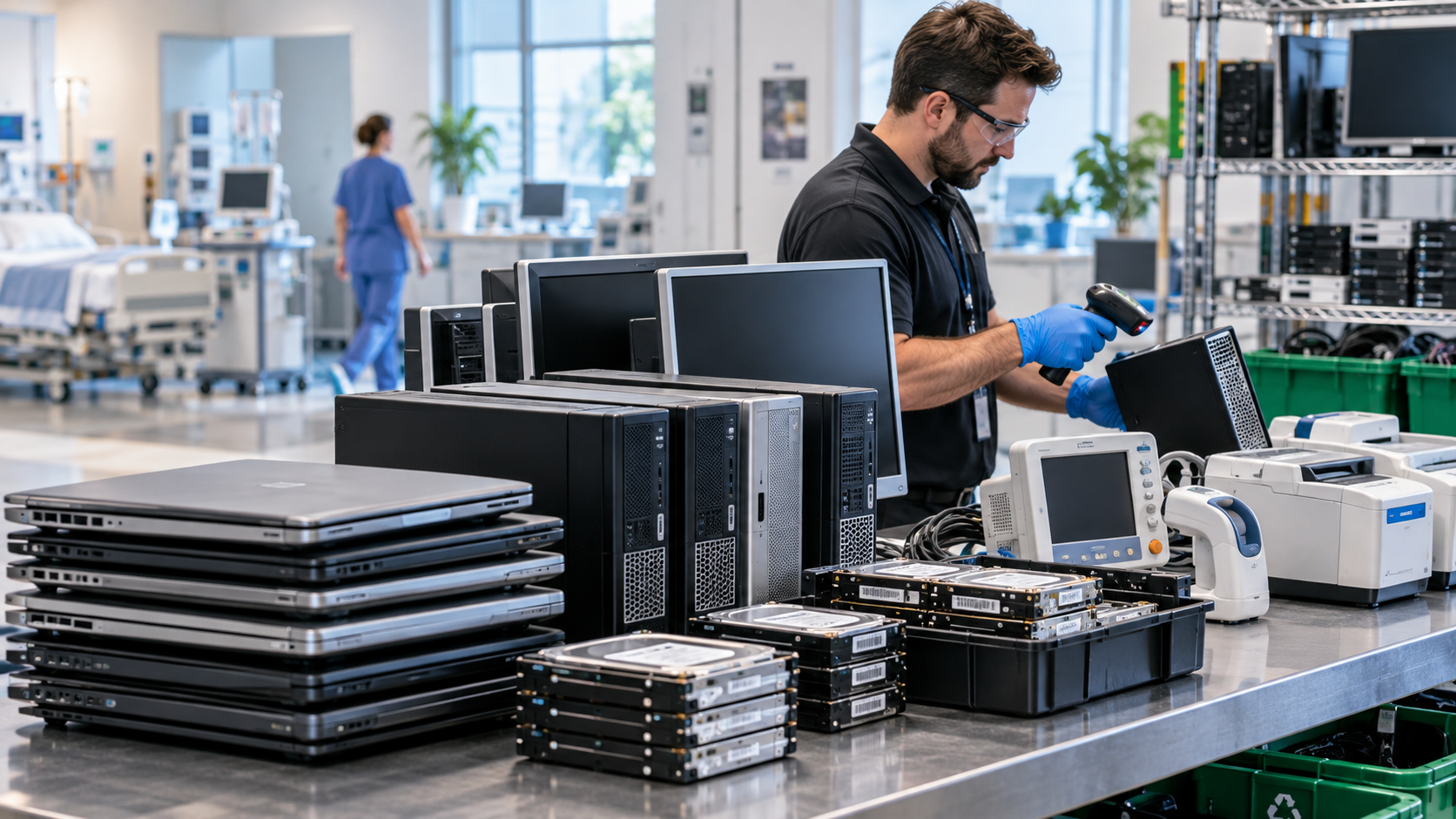
Before arranging a recycling pickup, identify exactly what is leaving service. Dental practices may need to retire:
Desktop computers, laptops, and servers
HDDs, SSDs, external drives, and removable media
Imaging or CAD/CAM workstations
Tablets and smartphones
Printers, scanners, and multifunction copiers
Routers, switches, firewalls, and backup appliances
Monitors, UPS systems, cables, and office electronics
Dental X-ray or other specialized equipment
Mark every item that may contain patient or business information. Storage can exist inside multifunction printers, embedded computers, network appliances, and specialized systems—not just traditional PCs.
Protect Patient Data Before Recycling
HIPAA does not prescribe one disposal method for every electronic device. HHS requires covered entities to apply reasonable safeguards and maintain appropriate disposal procedures. Depending on the circumstances, electronic media can be properly sanitized for reuse or physically destroyed.
NIST SP 800-88 Rev. 2, published in September 2025, provides current federal guidance for media sanitization. It emphasizes establishing a sanitization program and selecting appropriate controls based on information sensitivity, media type, and intended disposition.
For a dental practice, the important question is not simply, “Was the computer reset?” Instead, ask whether the data-bearing media was processed using an appropriate method and whether the result was verified.
If equipment will be reused, ask how logical sanitization is performed and validated. If storage media will be destroyed, ask how the destruction process is controlled and documented.
Maintain a Controlled Chain of Custody
Data security does not end when equipment leaves the dental office.
For larger projects, maintain an asset inventory and record serial numbers or asset tags for data-bearing equipment where practical. Ask how equipment will be secured during pickup, transportation, staging, sanitization, reuse, and recycling.
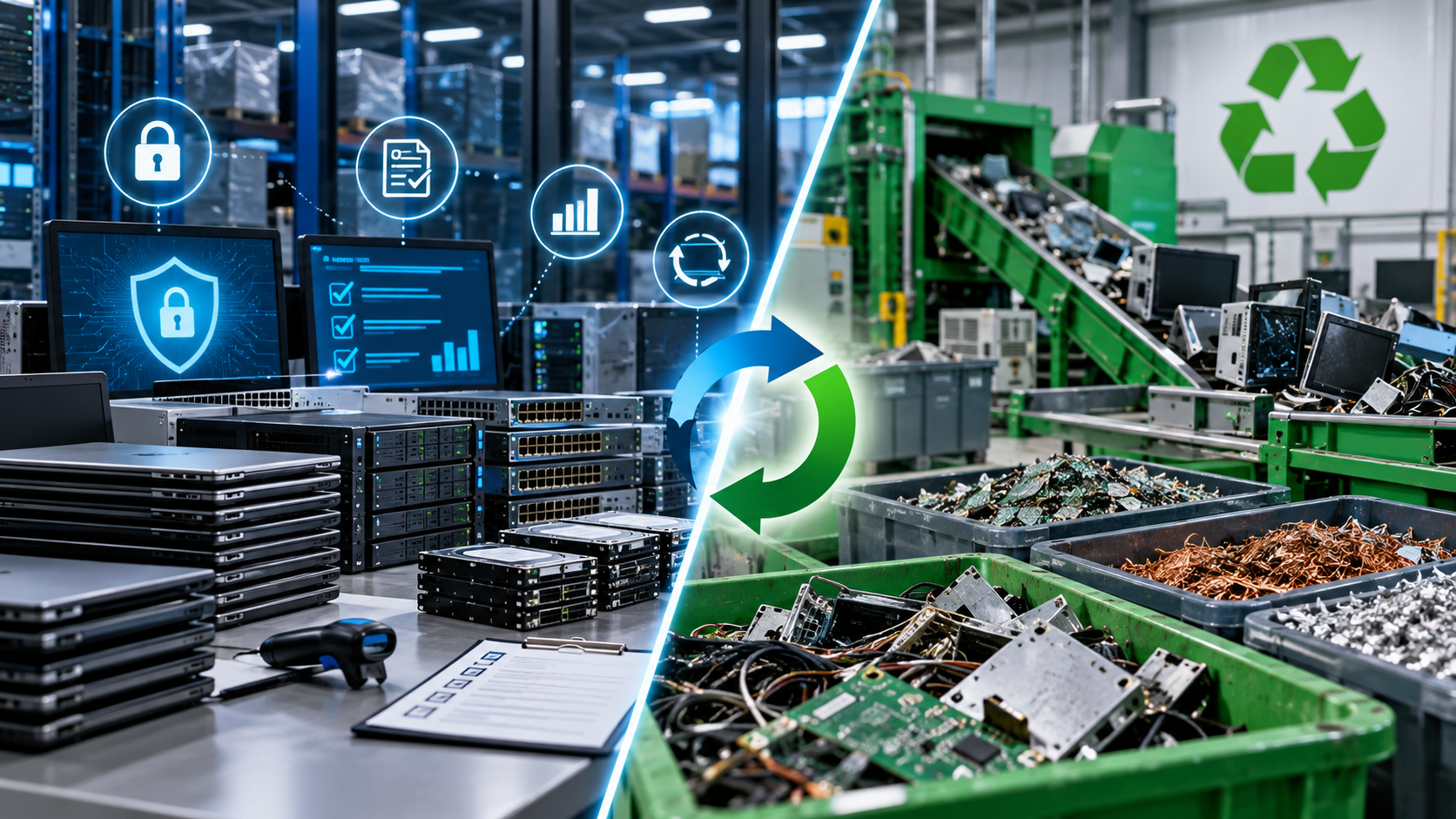
Depending on your requirements, documentation may include pickup records, serialized asset reports, sanitization results, certificates of data destruction, and final recycling records.
If an outside vendor handles PHI on behalf of a HIPAA covered entity, HHS permits the practice to use a business associate for disposal. The covered entity must have an appropriate contract or other agreement requiring that business associate to safeguard the PHI.
How to Choose a Dental Electronics Recycling Provider
Do not select a provider solely because it offers convenient pickup. Ask:
How are data-bearing devices handled after collection?
What sanitization or physical-destruction process is used?
How is successful sanitization or destruction verified?
Is chain of custody documented?
Does the processing facility hold R2v3 or e-Stewards certification?
How is data removed from equipment selected for reuse?
Where do materials go when they are not processed in-house?
What documentation is available after processing?
Can the provider support a business associate agreement when required?
The U.S. EPA recommends certified electronics recyclers for businesses, governments, and large purchasers and identifies R2 and e-Stewards as the two accredited electronics-recycling certification standards in the United States.
R2v3 Appendix B addresses logical data sanitization and enhanced controls for tracking, verification, physical security, and recordkeeping. Certification does not eliminate the need to evaluate a vendor, but it can be a useful screening criterion.
Dental X-ray machines should not automatically be placed in the same recycling stream as computers and ordinary office electronics.
Texas Department of State Health Services regulates dental X-ray machine registration and directs registrants to Texas Commission on Environmental Quality guidance when disposing of X-ray equipment.
TCEQ recommends considering a commercial X-ray assembler to disable, disassemble, and dispose of a unit. It specifically warns against smashing an X-ray tube because the tube is under vacuum. TCEQ also notes that X-ray systems manufactured before 1979 may contain transformers or capacitors with PCB-containing oil, which requires appropriate evaluation before disposal.
Dental practices should therefore confirm both equipment-disposal requirements and any DSHS registration amendment or termination steps before retiring an X-ray system.
Common Mistakes to Avoid
Do not send old computers to a general recycler without confirming how data will be protected. Do not treat deleting files, emptying the recycle bin, or performing a basic reset as your entire sanitization process.
Avoid mixing regulated X-ray equipment into a routine IT recycling pickup without checking Texas requirements. Also determine who actually performs the data destruction and recycling; the company collecting equipment may not be the facility that ultimately processes it.
Frequently Asked Questions
Can a dental practice recycle computers that contained patient data?
Yes. HHS allows electronic media to be reused or disposed of after appropriate steps are taken to remove ePHI, or when the media itself is appropriately destroyed.
Does every hard drive need to be physically destroyed?
Not necessarily. Some media can be properly sanitized for reuse, while other situations may warrant physical destruction. The appropriate method should reflect the sensitivity of the information, the media, and its planned disposition. NIST SP 800-88 Rev. 2 provides guidance for making these decisions.
Does HIPAA require an R2 or e-Stewards recycler?
HIPAA does not prescribe a specific electronics-recycling certification. However, EPA recommends certified electronics recyclers for organizational electronics recycling projects.
Plan the Retirement Before the Pickup
Secure dental electronics recycling starts before equipment reaches the loading dock. Inventory assets, identify data-bearing devices, determine what can be reused and what should be destroyed, verify the provider’s processes, and retain the documentation your organization requires.
LoneStar e-Waste helps organizations connect with appropriate electronics recycling and IT asset disposition solutions. If your dental practice is replacing computers, imaging workstations, storage devices, office electronics, or other retired technology, request a quote and communicate your data-security, pickup, and documentation requirements from the beginning.