Decommissioning a server room is not simply a matter of unplugging racks and calling a recycler. A safe server room decommission combines business continuity, electrical safety, data protection, asset tracking, logistics, and responsible disposition. The safest approach is to inventory equipment, confirm dependencies, migrate or back up required data, shut systems down in a controlled sequence, secure every data-bearing device, and document where equipment goes afterward.
For businesses retiring multiple servers, storage arrays, switches, UPS units, and drives, the process should be treated as an IT asset disposition (ITAD) project rather than an office cleanout.
1. Build a Complete Inventory Before Anything Moves
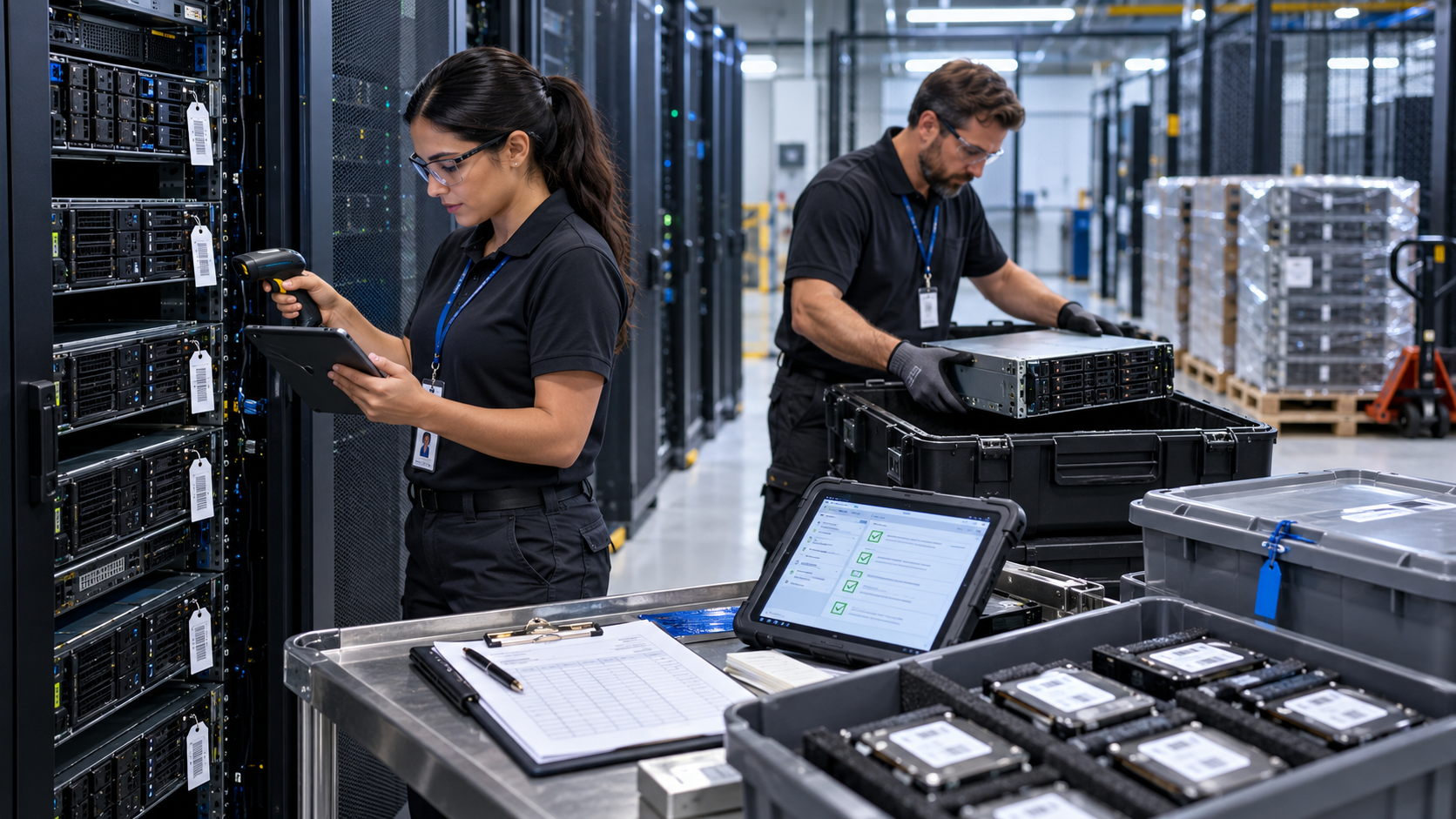
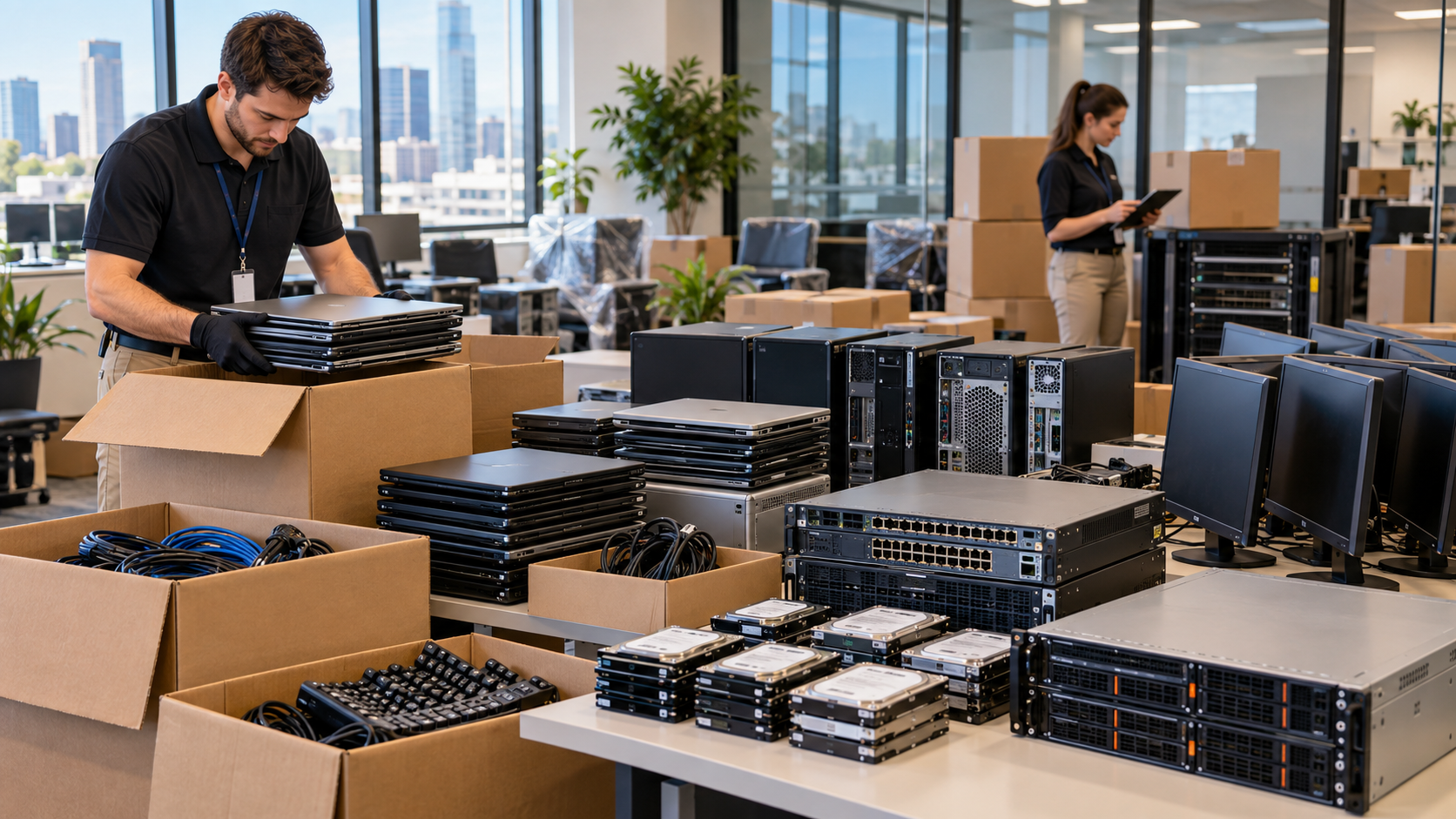
Start with a physical and logical inventory. Record servers, storage appliances, network switches, routers, firewalls, UPS systems, rack-mounted power equipment, backup appliances, loose HDDs and SSDs, tapes, and other removable media.
Capture useful identifiers such as asset tags, serial numbers, rack locations, data-bearing status, and the planned disposition of each item. Mark equipment that is leased, under warranty, subject to a retention requirement, or scheduled for reuse.
This inventory becomes the control document for the project. Without it, equipment can be removed before dependencies are understood and drives can become separated from their parent systems.
2. Map Dependencies and Plan the Shutdown
Before powering down equipment, confirm which services still depend on the server room. A server that appears obsolete may still support authentication, backups, file shares, databases, applications, or network services.
Coordinate with IT, security, facilities, application owners, and outside service providers. Confirm backups, migration status, maintenance windows, rollback plans, and the order in which systems should be taken offline.
The goal is an orderly shutdown, not a sudden loss of power. Record the final status of systems as they are retired.
3. Treat Electrical Work as a Safety Task
Server rooms can contain energized rack power, UPS equipment, batteries, power distribution units, and fixed electrical infrastructure. Turning off a server does not necessarily remove every electrical hazard.
OSHA requires safety-related work practices when employees work on or near equipment or circuits that may be energized. Its electrical rules generally require exposed live parts to be de-energized before work unless specific exceptions apply, and equipment that has been de-energized but not properly locked or tagged must still be treated as energized. Qualified personnel should handle work involving fixed electrical systems, isolation, or verification of de-energization.
For projects involving racks, cabling, UPS systems, or permanent electrical equipment, coordinate the removal plan with facilities staff or qualified electrical professionals.
4. Secure Data Before Servers and Drives Leave Your Control
Every data-bearing asset needs a defined disposition decision: reuse, resale, return, recycling, or physical destruction. That decision should be paired with an appropriate sanitization method.
NIST SP 800-88 Rev. 2, published in September 2025, defines media sanitization as making access to target data infeasible for a given level of effort and emphasizes an organizational sanitization program based on information sensitivity and risk.
Do not rely on deleting files or formatting a drive as your data-destruction strategy. Establish how each HDD, SSD, tape, storage appliance, and other media type will be sanitized, validated, or physically destroyed. If an outside ITAD or recycling provider performs the work, ask how devices are tracked and what records are produced. R2v3 guidance emphasizes identifying data-bearing devices, using defined sanitization processes, and maintaining records for sanitization activities.
5. Maintain Chain of Custody During Removal
Once equipment starts leaving the server room, physical control matters. Use an asset list to reconcile what was removed, who handled it, where it was staged, and when custody transferred.
Data-bearing devices should not be mixed casually with scrap electronics. If drives are removed from servers, preserve the relationship between the drive identifier and the asset record when your security process requires it.
Before pickup, ask what documentation is available. Depending on your needs, this may include serialized asset reports, pickup records, chain-of-custody documentation, recycling reports, or certificates of data destruction.
6. Separate Reusable Equipment From Recycling Streams
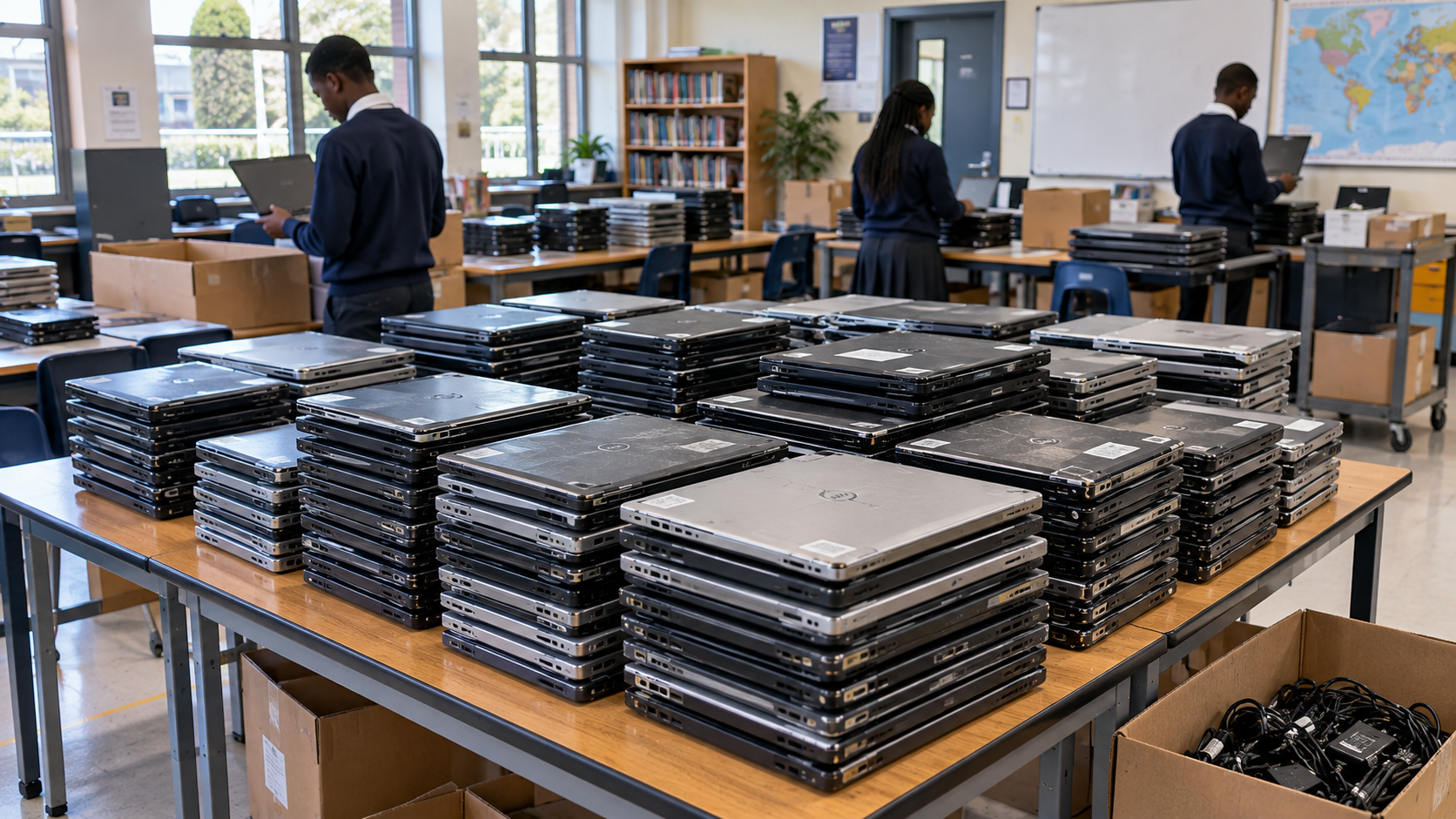
Not every decommissioned server should automatically be destroyed. Functional servers, networking equipment, RAM, processors, and other components may have reuse or resale potential if they meet the organization’s security and lifecycle requirements.
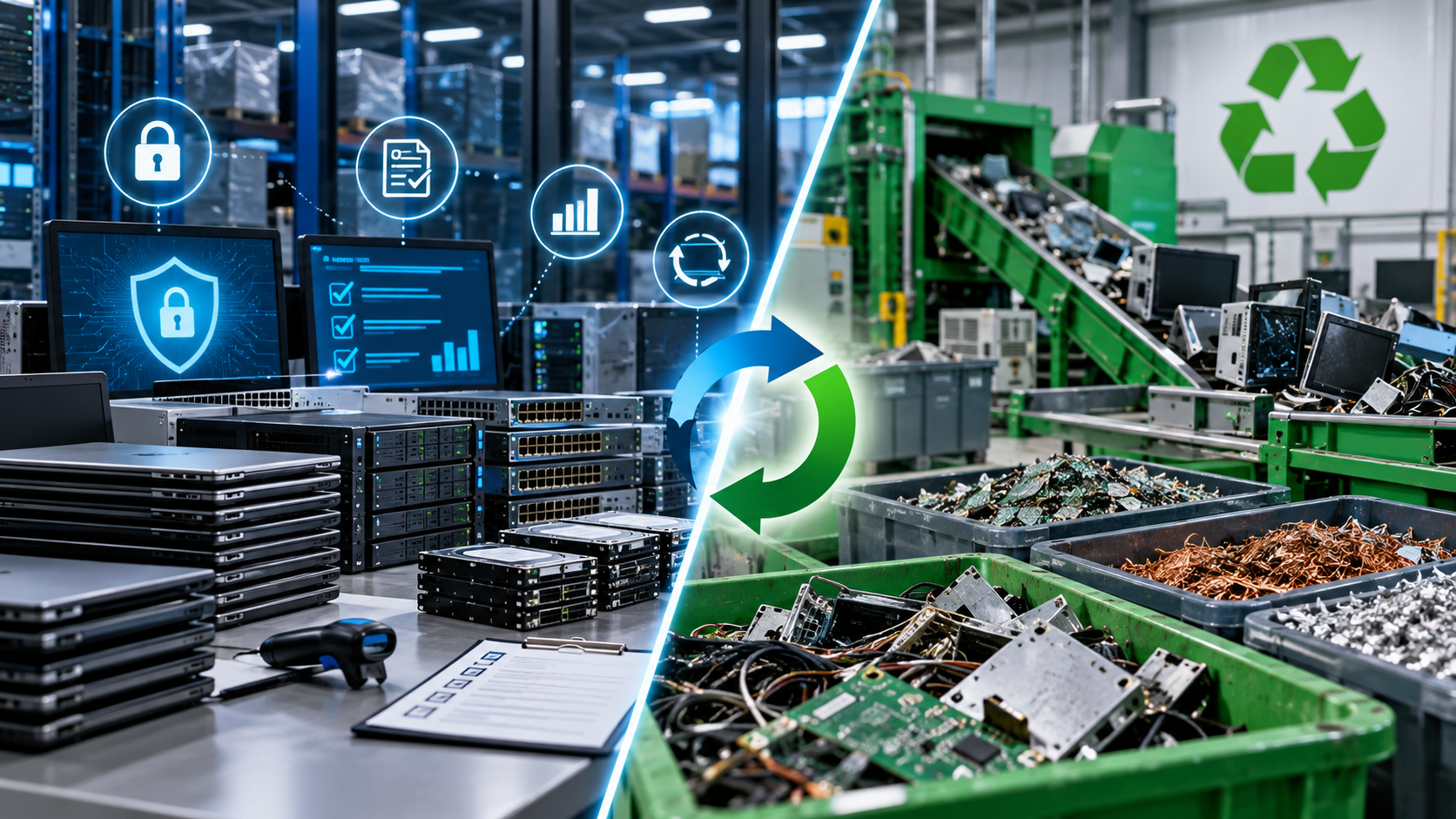
Items that are obsolete, damaged, or uneconomical to reuse should move into an appropriate recycling stream. The EPA recommends certified electronics recyclers for businesses, governments, and large purchasers and identifies R2 and e-Stewards as the two accredited electronics-recycling certification standards in the United States.
In Texas, TCEQ notes that businesses and organizations disposing of electronic equipment must comply with applicable laws and regulations, and that some electronics may be classified as hazardous waste when discarded. Recycling is generally preferred.
7. Close the Project With Documentation
A server room is not fully decommissioned when the racks are empty. Reconcile the original inventory against final disposition records.
Confirm that migrated systems are functioning, retained data is accessible, removed assets are accounted for, and required sanitization or recycling documentation has been received. For larger projects, retain the inventory, approvals, migration records, pickup documentation, asset reports, and data-destruction evidence.
Server Room Decommissioning Checklist
Inventory servers, storage, networking, power equipment, and media.
Identify dependencies and confirm backups or migrations.
Schedule an approved shutdown window.
Coordinate electrical isolation with qualified personnel where required.
Assign each asset to reuse, resale, return, recycling, or destruction.
Define a sanitization method for every data-bearing device.
Track assets through removal and transfer of custody.
Reconcile final records against the original inventory.
Need Help With a Server Room Decommission in Houston?
LoneStar e-Waste helps organizations find appropriate electronics recycling and ITAD solutions for retired servers, storage equipment, hard drives, networking gear, UPS systems, and other business electronics. If you are planning a server refresh, office closure, infrastructure migration, or full server room shutdown, request a quote with the equipment quantity, data-security requirements, pickup location, and desired timeline.