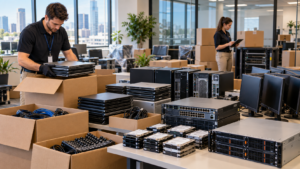
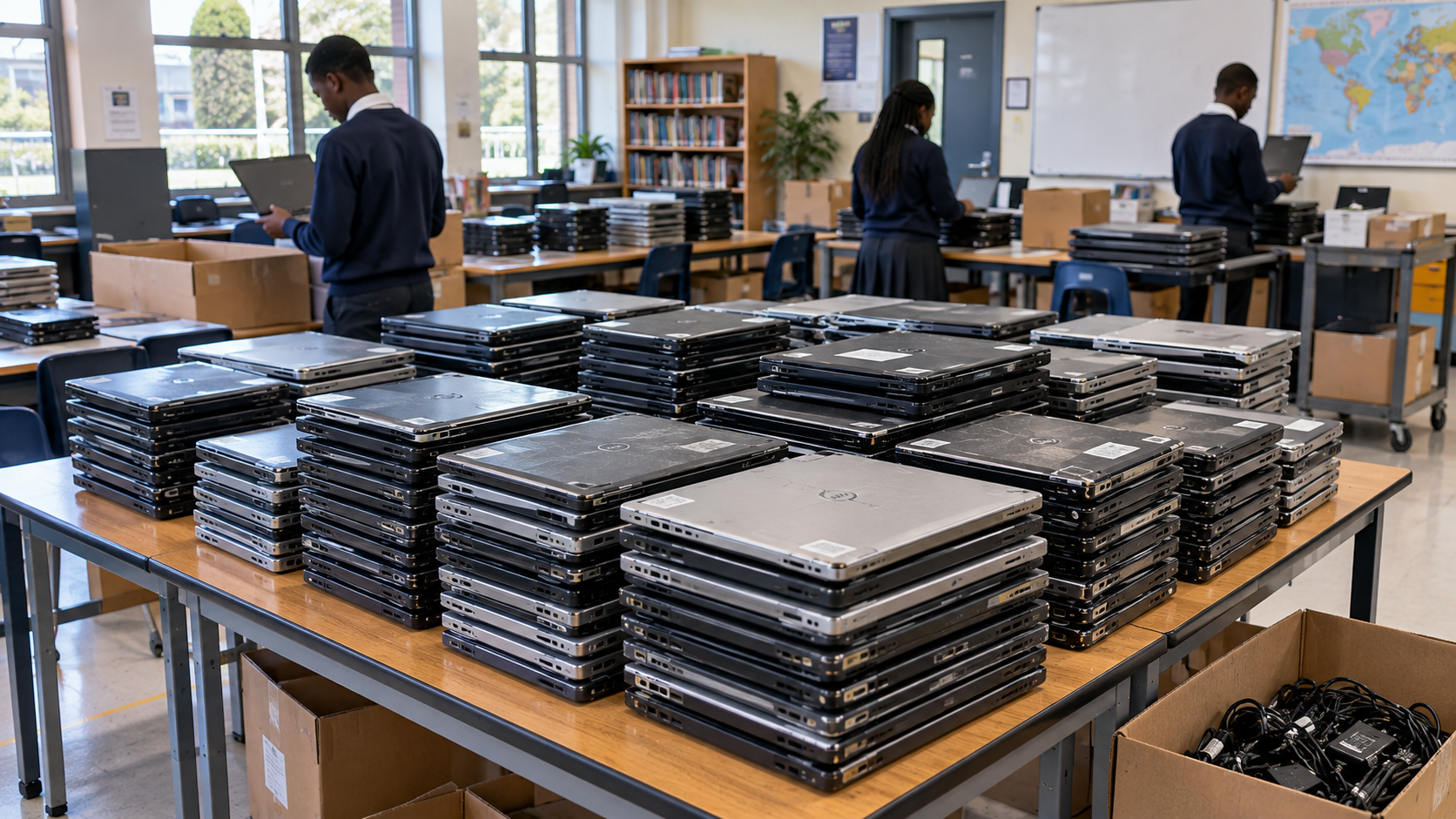
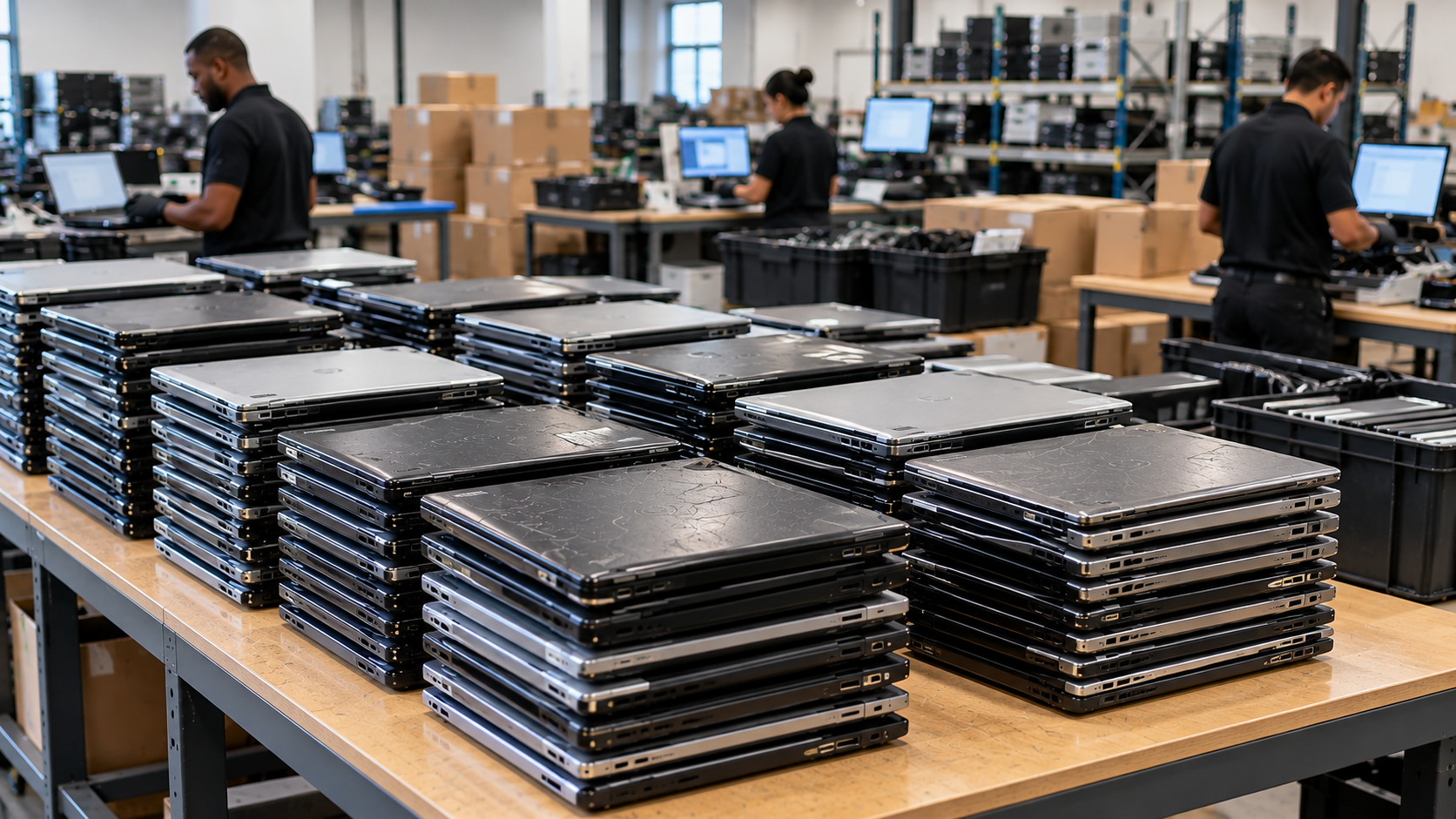
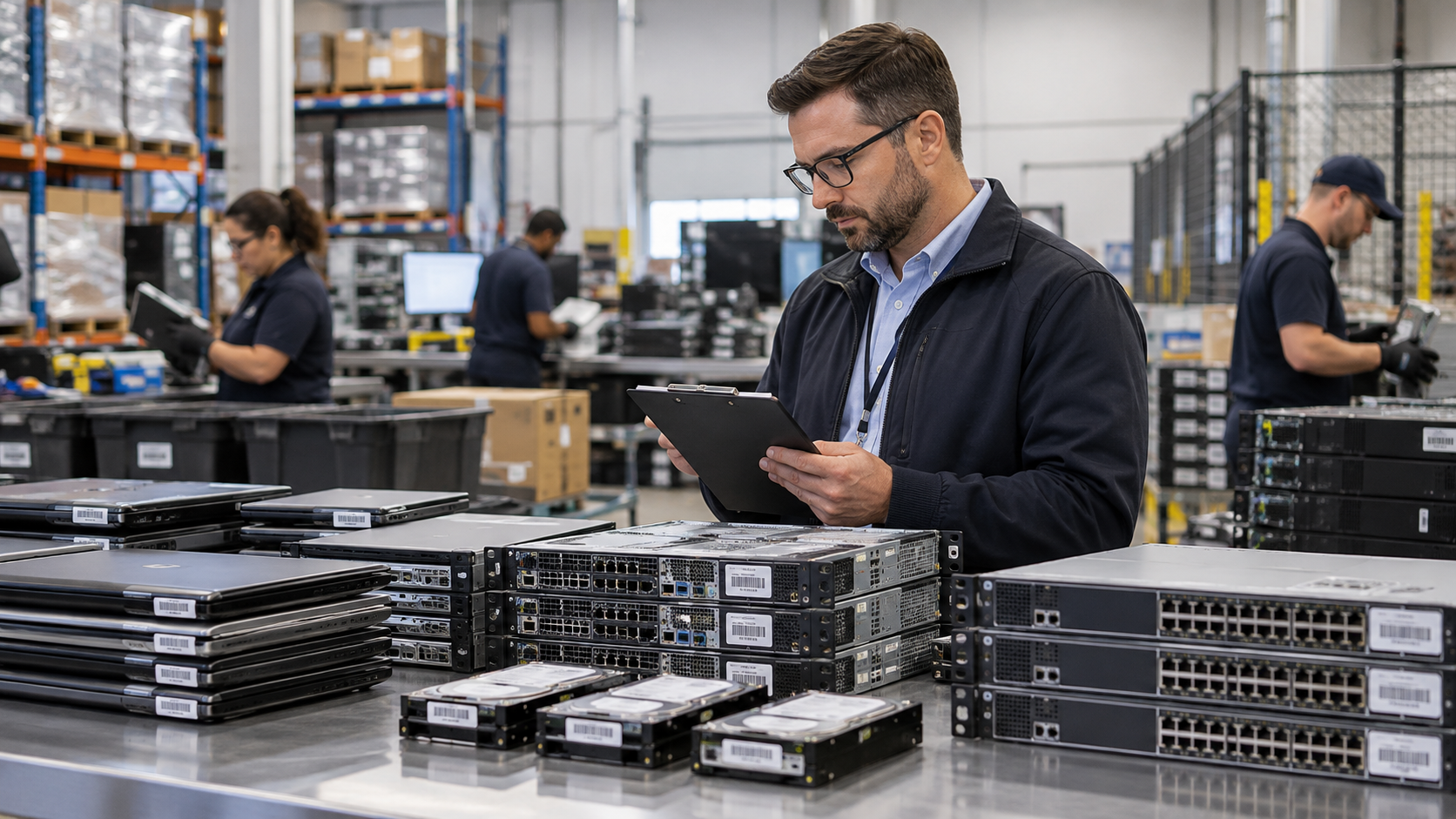
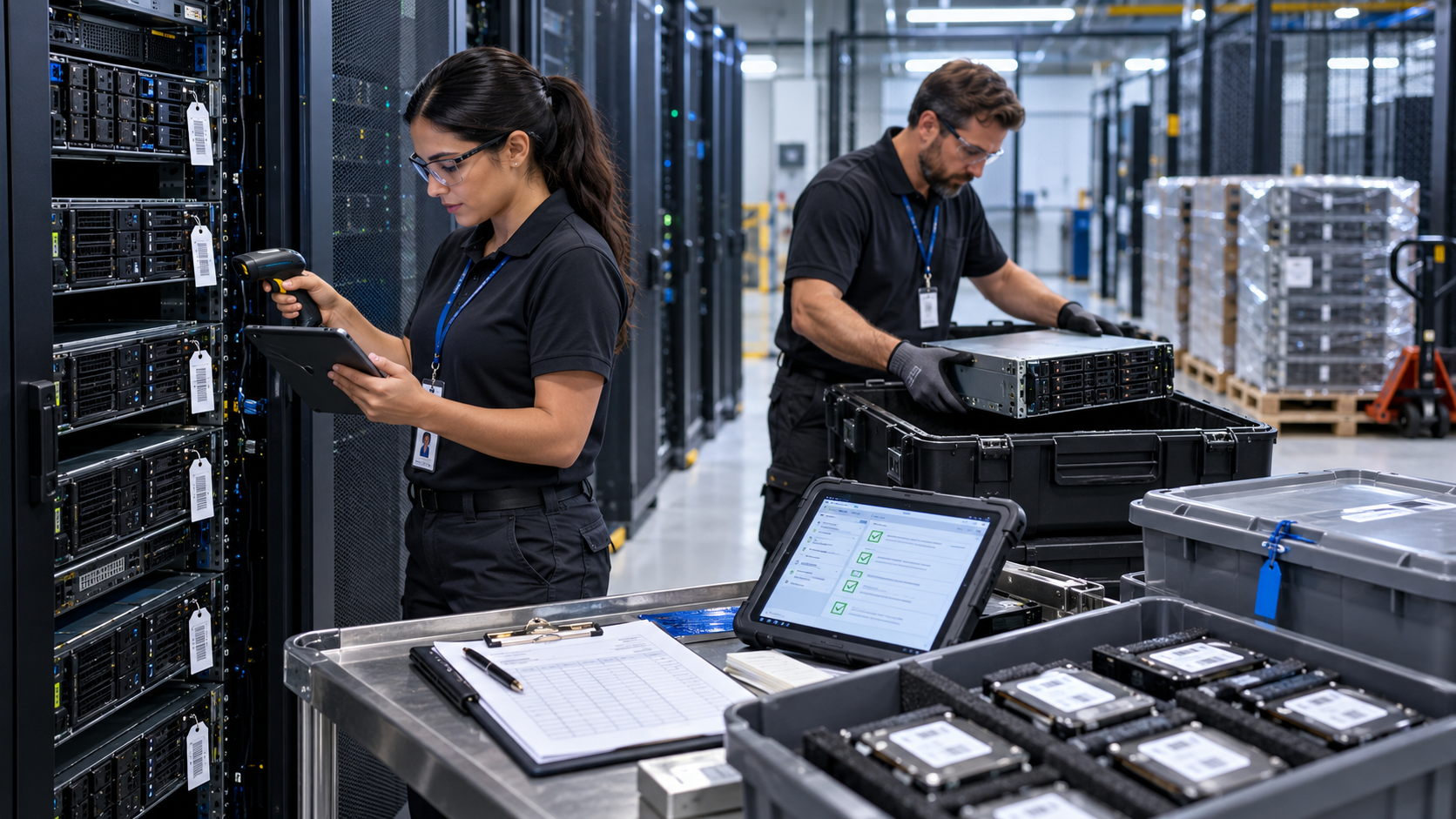
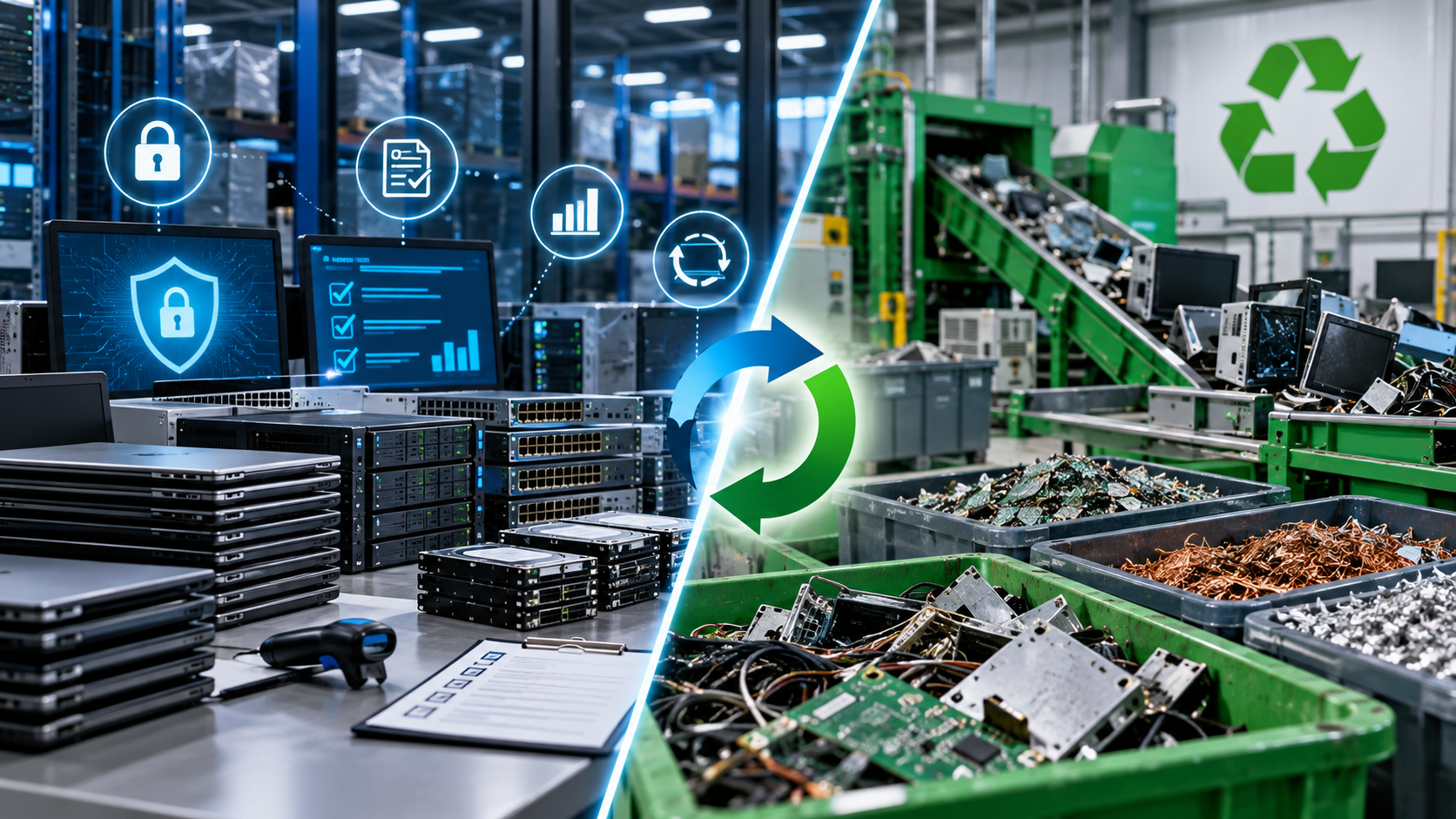
An office move is a natural time to retire computers, servers, monitors, printers, networking equipment, and other technology that no longer needs to follow your company to its new location. The mistake is treating that equipment like ordinary furniture.
Old technology can contain business records, employee information, customer data, credentials, intellectual property, and other sensitive information. A good office move ITAD checklist should therefore cover more than disposal. It should identify what you own, decide what moves and what retires, protect data, maintain chain of custody, and document the final disposition of each asset.
For Houston businesses, planning IT asset disposition before moving day can also prevent unnecessary equipment from being transported to the new office only to become another storage problem.
1. Start With a Complete IT Asset Inventory
Before packing begins, identify the technology currently located throughout the office.
Do not limit the inventory to employee laptops and desktop computers. Include servers, storage appliances, external drives, monitors, printers, multifunction copiers, switches, routers, firewalls, UPS systems, desk phones, mobile devices, and miscellaneous storage media.
For higher-value or data-bearing equipment, record useful identifiers such as asset tag, manufacturer, model, serial number, department, location, condition, and assigned user.
Your inventory becomes the reference point for deciding what happens to each asset.
2. Decide What Moves, Gets Reused, or Is Retired
Every device should have a disposition decision before movers arrive.
A practical classification is:
Move: Equipment that will remain in production at the new office.
Redeploy: Functional equipment that can be reassigned internally.
Resell or remarket: Equipment with remaining economic value where appropriate.
Donate: Suitable working equipment that can safely be transferred after data-security requirements are addressed.
Recycle: Obsolete, damaged, unsupported, or uneconomical equipment.
Destroy media: Storage devices requiring physical destruction under your organization’s security policy.
IT asset disposition, or ITAD, is the structured process of retiring technology while considering security, reuse, value recovery, logistics, recycling, and documentation.
Making these decisions early can reduce moving volume and prevent obsolete equipment from occupying valuable space at the new location.
3. Identify Every Data-Bearing Device
Laptops and servers are obvious, but they are not the only devices capable of storing information.
Hard disk drives, SSDs, smartphones, tablets, external drives, storage arrays, some networking equipment, and certain printers or multifunction devices may contain data.
SERI’s R2v3 guidance specifically recognizes that various electronics—including some printers, switches, smart devices, and other equipment—can contain non-volatile storage that requires evaluation.
Create a separate list of data-bearing equipment so these assets remain under controlled handling throughout the move.
4. Back Up and Verify Information Before Retirement
Do not wipe or destroy anything until information that must be retained has been successfully migrated or backed up.
Confirm with the relevant IT, security, records-management, or business owner that required information is accessible from its new location.
This is particularly important when decommissioning file servers, employee computers, backup media, specialized workstations, and older systems containing records that may not exist elsewhere.
The backup process and the sanitization process should be separate decisions. A successful backup does not mean the original device is safe to dispose of.
5. Choose the Appropriate Data-Sanitization Method
Current guidance matters here. NIST SP 800-88 Revision 2, published in September 2025, superseded Revision 1 and provides guidance for establishing an organizational media-sanitization program based on information sensitivity and appropriate sanitization controls.
Depending on the media, its condition, your security requirements, and the intended destination of the equipment, sanitization may involve logical techniques such as approved erasure or cryptographic erase, or physical destruction when appropriate.
Do not assume deleting files, formatting a drive, or performing an ordinary reset is sufficient for every device.
If an ITAD or data-destruction provider will perform sanitization, ask which standard and process it follows, how successful sanitization is verified, and what records are produced.
6. Keep Retired Equipment Separate and Secure
Office relocations create temporary disorder. That is exactly when retired electronics can accidentally enter general moving loads, dumpsters, unlocked hallways, or unsecured storage areas.
Create a clearly marked, access-controlled staging area for retired technology.
Data-bearing assets should remain accounted for from the moment they are removed from service until they reach the organization or provider responsible for processing them.
A documented chain of custody helps establish who possessed the equipment, when it changed hands, and where it went.
7. Evaluate the ITAD or Recycling Provider
The U.S. Environmental Protection Agency encourages businesses, governments, and large purchasers to consider certified electronics recyclers and identifies R2 and e-Stewards as the two accredited certification standards for electronics recyclers in the United States.
Ask prospective providers:
What equipment will you accept?
Can you accommodate our pickup deadline and volume?
How are data-bearing assets secured during transportation and processing?
What data-sanitization or destruction options are available?
Can assets be tracked by serial number?
What chain-of-custody documentation is available?
What certificates or processing reports will we receive?
Is the facility processing our equipment R2 or e-Stewards certified?
How are downstream vendors managed?
Certification does not eliminate the need for due diligence, but it gives organizations an independently audited framework to evaluate.
8. Plan Houston Pickup Before Moving Day
Do not wait until the final afternoon of the move to arrange disposition.
Houston commercial ITAD projects may involve dozens or hundreds of devices, loading requirements, building access restrictions, elevators, docks, security procedures, and scheduled pickup windows.
Texas also has manufacturer recycling programs for certain consumer computer equipment, but these should not be confused with commercial ITAD services for business quantities and data-bearing assets. TCEQ provides separate electronics-recycling information and compliance resources for the state.
For a business relocation, communicate the equipment types, estimated quantities, location, access conditions, data requirements, and desired pickup date when requesting service.
9. Close the Project With Documentation
The project is not finished when the truck leaves.
Reconcile the final processed asset list against your original inventory. Retain relevant documentation according to your organization’s policies and contractual or regulatory requirements.
Depending on the project, documentation may include serialized asset reports, pickup records, chain-of-custody records, recycling documentation, sanitization records, and certificates of data destruction.
Organizations handling sensitive information should define these requirements before choosing a provider rather than asking for documentation afterward.
Frequently Asked Questions
When should ITAD planning begin for an office move?
Start during the relocation-planning stage, not during final packing. Early planning gives your team time to inventory assets, migrate data, evaluate equipment, select a provider, and schedule pickup around the move.
Should working computers be recycled?
Not automatically. Functional equipment may qualify for redeployment, resale, refurbishment, or donation if security requirements can be satisfied. Recycling is generally more appropriate when reuse is no longer practical.
Should old hard drives travel with the moving company?
Sensitive media should be handled according to your organization’s security and chain-of-custody procedures rather than being mixed into ordinary office-moving boxes.
Make ITAD Part of the Move Plan
An office relocation is an opportunity to arrive at the new location with only the technology your organization actually needs.
Inventory equipment early, separate assets by disposition, protect data-bearing devices, establish sanitization requirements, control the chain of custody, and collect documentation after processing.
LoneStar e-Wastehelps Houston organizations connect with appropriate solutions for retiring computers, servers, storage equipment, monitors, networking hardware, and other business electronics. If your company is relocating, closing an office, or clearing obsolete IT equipment, request an ITAD or business electronics recycling quote before moving day.