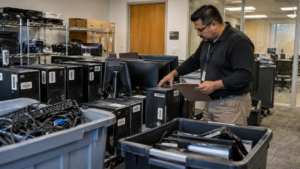
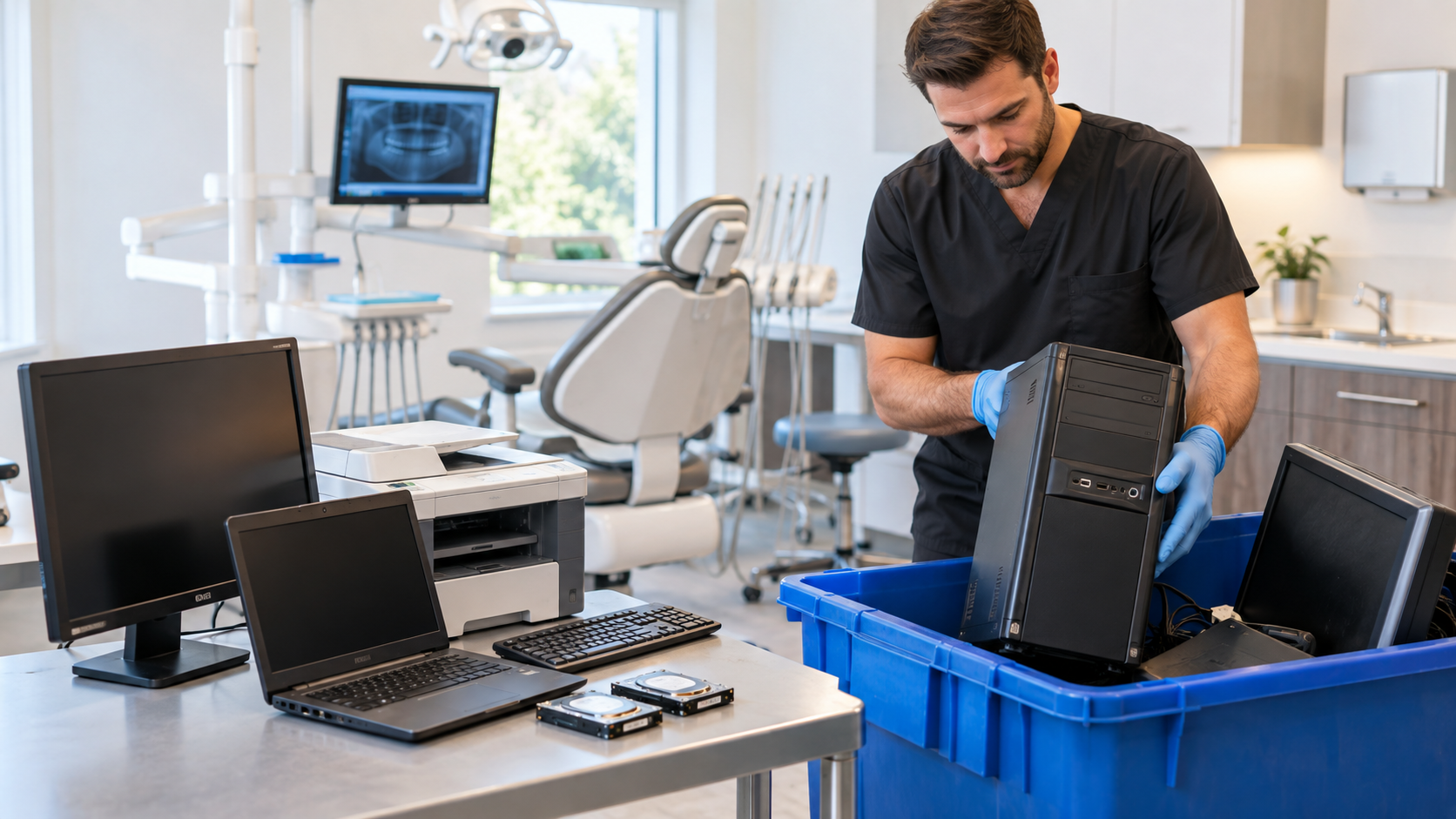
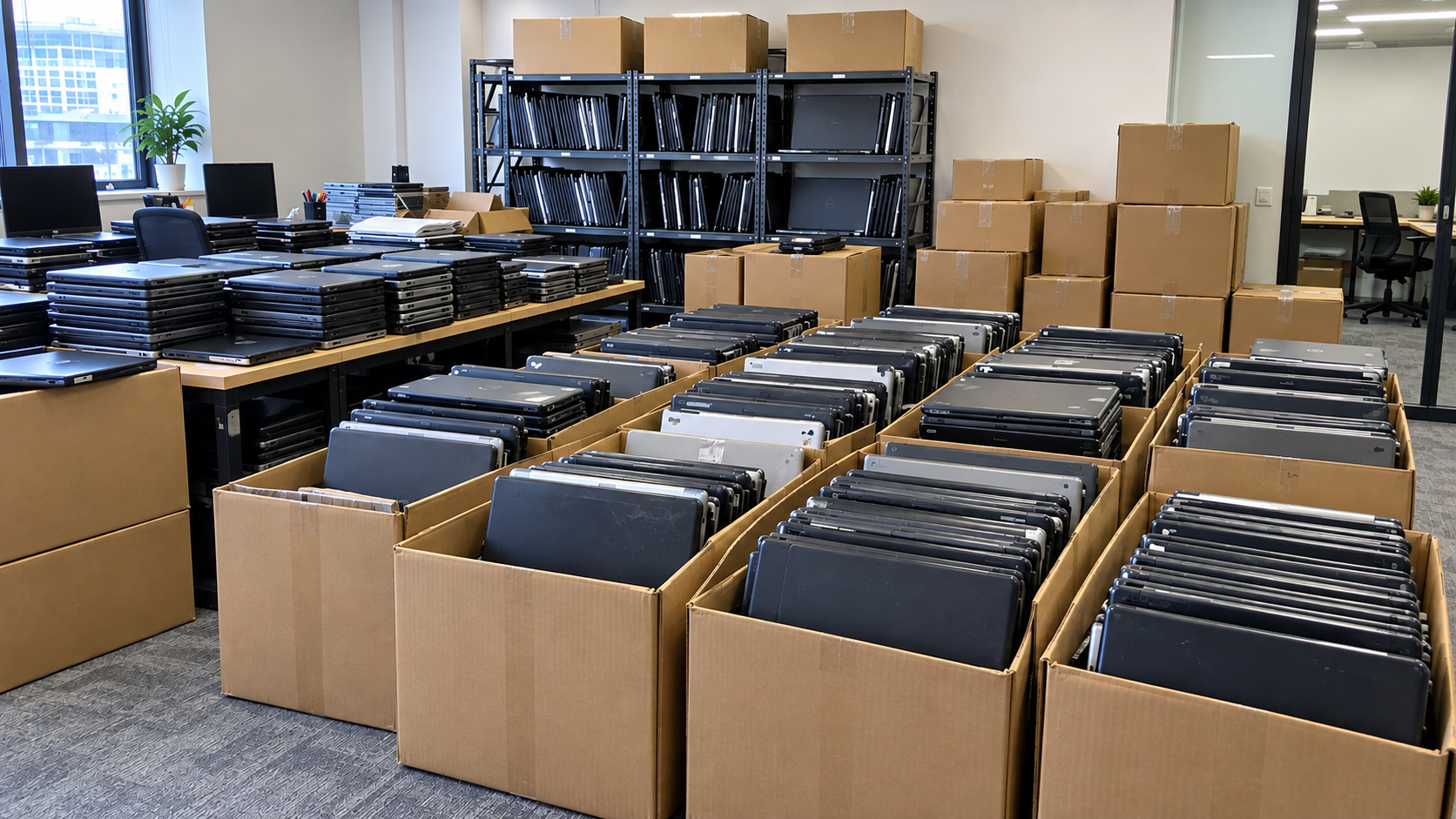
Retiring office desktop computers involves more than clearing hardware from a storage room. Businesses need to protect company data, account for every asset, decide whether equipment can be reused, and make sure obsolete devices are handled through an appropriate recycling channel.
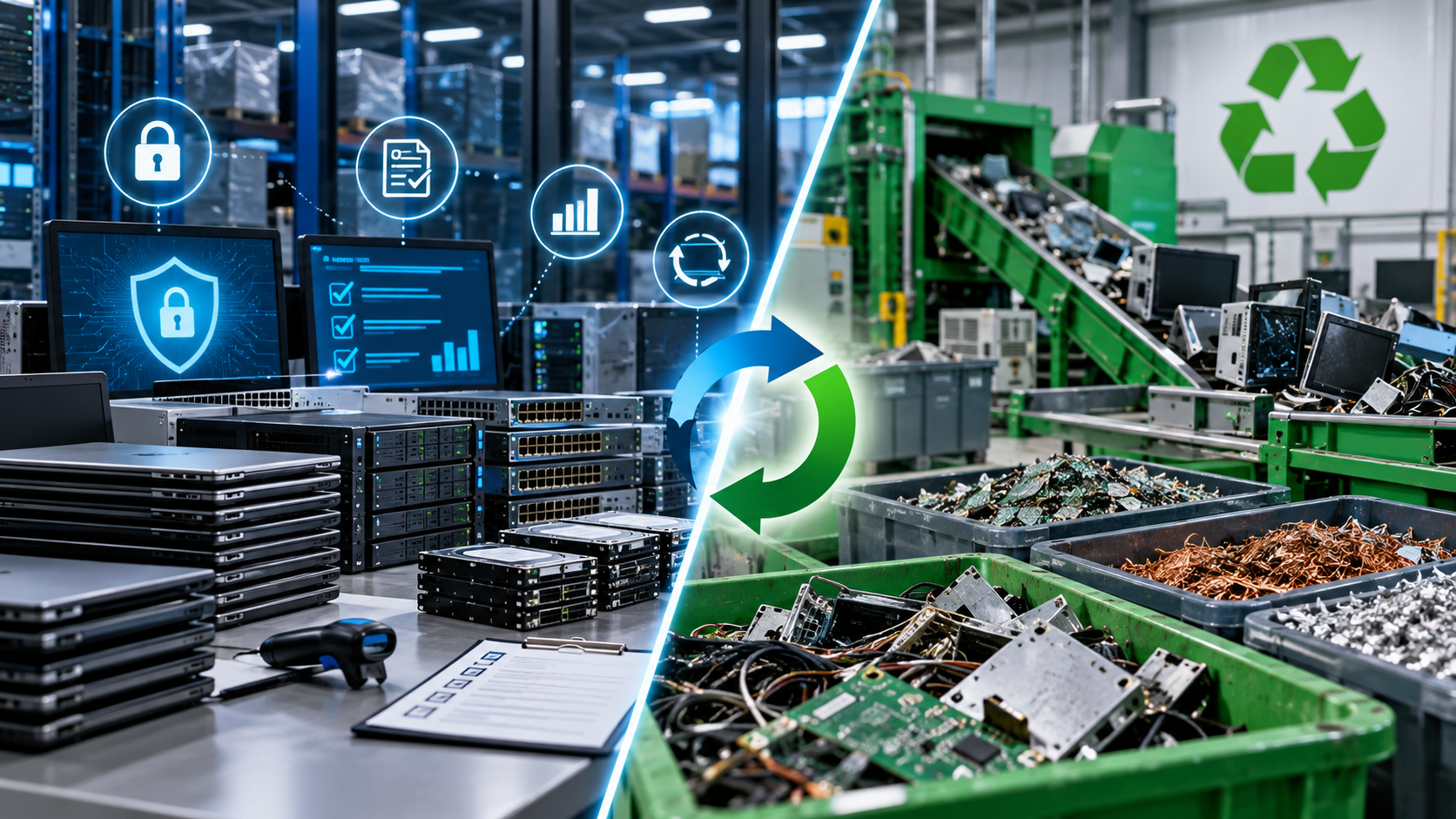
A practical process is to inventory the equipment, back up required information, establish data-sanitization requirements, separate reusable assets from true end-of-life equipment, and work with a qualified electronics recycling or IT asset disposition (ITAD) provider.
1. Inventory the Desktop Computers
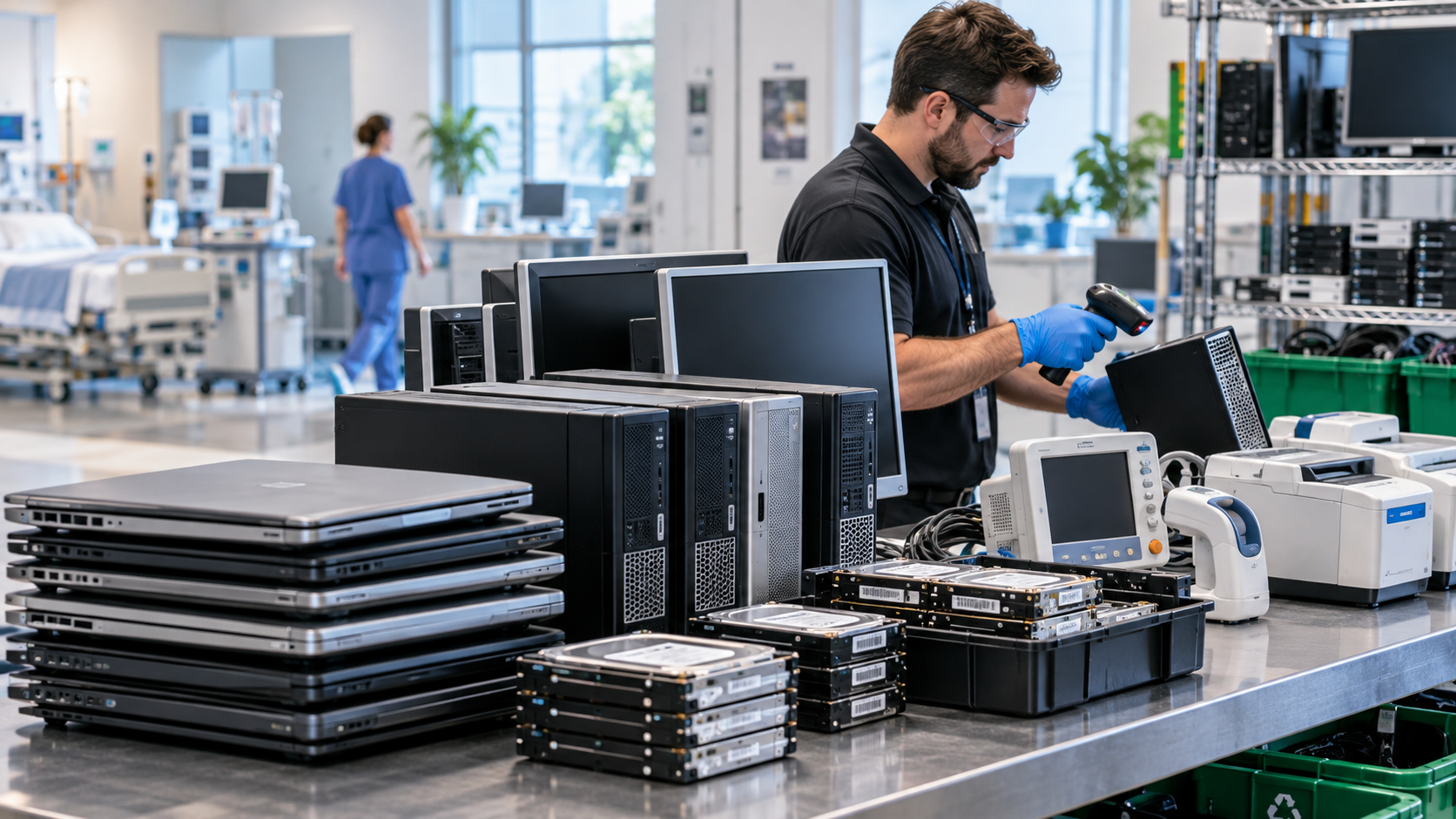
Before moving anything, create an inventory of the equipment being retired.
Record information such as:
Manufacturer and model
Asset tag or serial number
Equipment location
Working condition
HDD or SSD storage
Associated monitors and peripherals
Include keyboards, monitors, docking stations, printers, UPS systems, cables, and networking equipment if they are part of the same office cleanout.
An inventory gives the IT or facilities team a reference for confirming what actually leaves the building. For larger projects, serialized reporting can also help reconcile collected equipment with internal asset records.
2. Address Data Security Before Recycling
Desktop computers may contain employee records, customer information, financial files, credentials, business documents, cached cloud data, and other sensitive information.
Simply deleting files should not automatically be treated as adequate data sanitization.
The current NIST Special Publication 800-88 Revision 2, published in September 2025, defines media sanitization as making access to target data infeasible for a given level of effort. The guidance helps organizations establish sanitization programs based on the sensitivity of their information and appropriate controls.
Before computers leave the office, determine:
Which devices contain sensitive information?
Who is responsible for sanitization?
Will drives be reused or destroyed?
How will successful sanitization be verified?
What documentation does the organization require?
Depending on the storage media, security requirements, and intended disposition, an organization may use appropriate logical sanitization methods or physical destruction.
For data-sensitive projects, ask the provider about chain of custody, serialized drive tracking, verification procedures, and certificates or reports documenting data destruction or sanitization.
3. Separate Reusable Computers From End-of-Life Equipment
Not every retired desktop computer needs to be immediately recycled for materials.
EPA encourages extending the useful life of functioning electronics through reuse where practical. When reuse or repair is no longer viable, electronics can be directed to recycling.
An office can divide equipment into several categories:
Reuse or remarket: functional computers with remaining value.
Repair or refurbish: equipment that can reasonably return to service.
Recycle: damaged, obsolete, or uneconomical equipment.
Destroy storage media: drives that cannot be reused under the organization’s security requirements.
Data should be properly addressed before any computer is donated, resold, or transferred to another user.
4. Select a Qualified Recycling or ITAD Provider
For businesses, governments, and large purchasers, EPA recommends using certified electronics recyclers. EPA identifies R2 and e-Stewards as the two accredited electronics-recycling certification standards in the United States.
Certification provides additional assurance around areas such as environmental management, worker health and safety, data security, reuse, and downstream handling.
R2v3, for example, requires certified facilities to track equipment and materials throughout processing and promotes reuse when feasible before moving equipment into materials recovery.
Certification should still be combined with vendor due diligence. Ask a prospective provider:
Where will our computers be processed?
Is the specific processing facility certified?
How are HDDs and SSDs handled?
How is equipment tracked after pickup?
What happens to computers selected for reuse?
How are downstream recycling partners managed?
What reports or certificates will we receive?
These questions are particularly important when retiring dozens or hundreds of computers at once.
5. Prepare the Computers for Pickup
Move retired desktops into a controlled staging area and clearly separate them from equipment that remains in service.
Limit access to the staging area, especially when computers still contain data-bearing drives.
Give the recycling provider an accurate estimate of the equipment before collection. Specify whether the project includes desktops only or also monitors, printers, servers, UPS systems, storage devices, and networking equipment.
At pickup, compare the collected equipment against your inventory and retain any collection receipt, serialized asset report, chain-of-custody document, or data-destruction documentation required by your organization.
Recycling Office Computers in Texas
Texas businesses should understand the difference between consumer computer-recycling programs and commercial recycling services.
The Texas Recycles Computers Program requires participating manufacturers to provide recycling opportunities for qualifying consumer computer equipment. However, TCEQ states that the requirement applies to equipment purchased primarily for personal or home-business use. Commercial, government, and nonprofit organizations are directed to explore other recycling, reuse, donation, and refurbishment options.
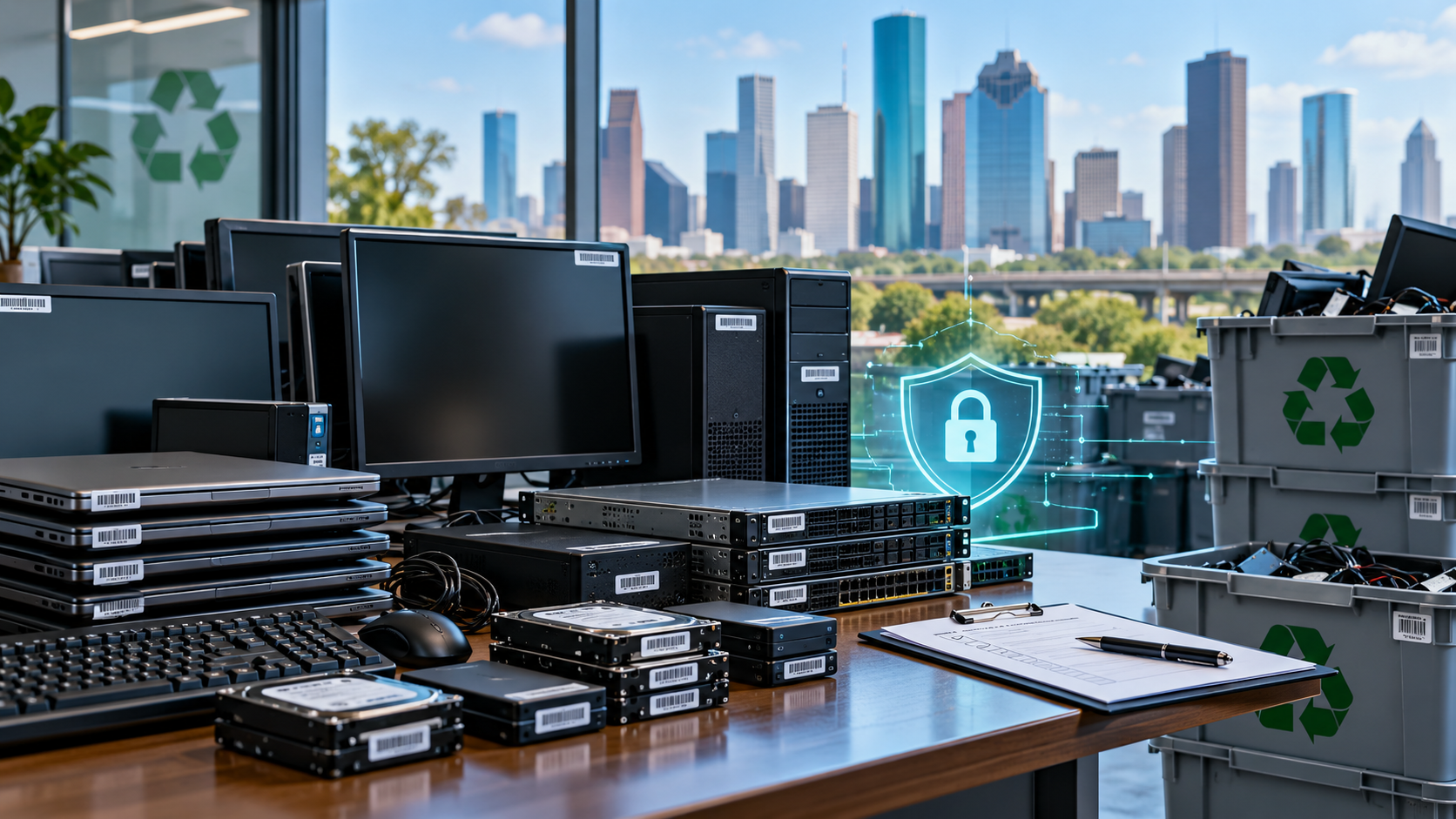
For a Houston office retiring 20, 50, or several hundred desktops, a commercial electronics recycling or ITAD solution may be better suited to bulk pickup, data-bearing equipment, documentation, and related IT assets.
LoneStar e-Waste helps Houston businesses connect with appropriate local recycling solutions for desktop computers, workstations, servers, monitors, storage devices, and other retired electronics through recycling partners.
Common Office Computer Recycling Mistakes
Avoid sending computers out before confirming backups and retention requirements. Do not assume that deleting files provides adequate sanitization. Keep active and retired computers clearly separated, and do not choose a recycler based only on pickup price without asking about data handling, certifications, downstream processing, and documentation.
Frequently Asked Questions
Should we remove hard drives before recycling office computers?
Not always. Some businesses sanitize or destroy drives internally, while others use a qualified provider. The appropriate choice depends on the organization’s security requirements and disposition policy.
Can working office computers be donated?
Yes. Functional equipment may be suitable for donation or reuse after appropriate data sanitization and evaluation.
What documentation should businesses request?
Depending on the project, useful records may include pickup documentation, serialized asset reports, chain-of-custody records, and certificates or reports documenting data sanitization or destruction.
Retire Office Computers With a Defined Process
Effective office computer recycling starts before the equipment leaves the building. Inventory the assets, protect the data, evaluate reuse opportunities, select a qualified provider, document the transfer, and retain the records your organization needs.
If your business is replacing desktops, relocating an office, or clearing retired IT equipment, LoneStar e-Waste can help connect you with an appropriate electronics recycling or ITAD solution.