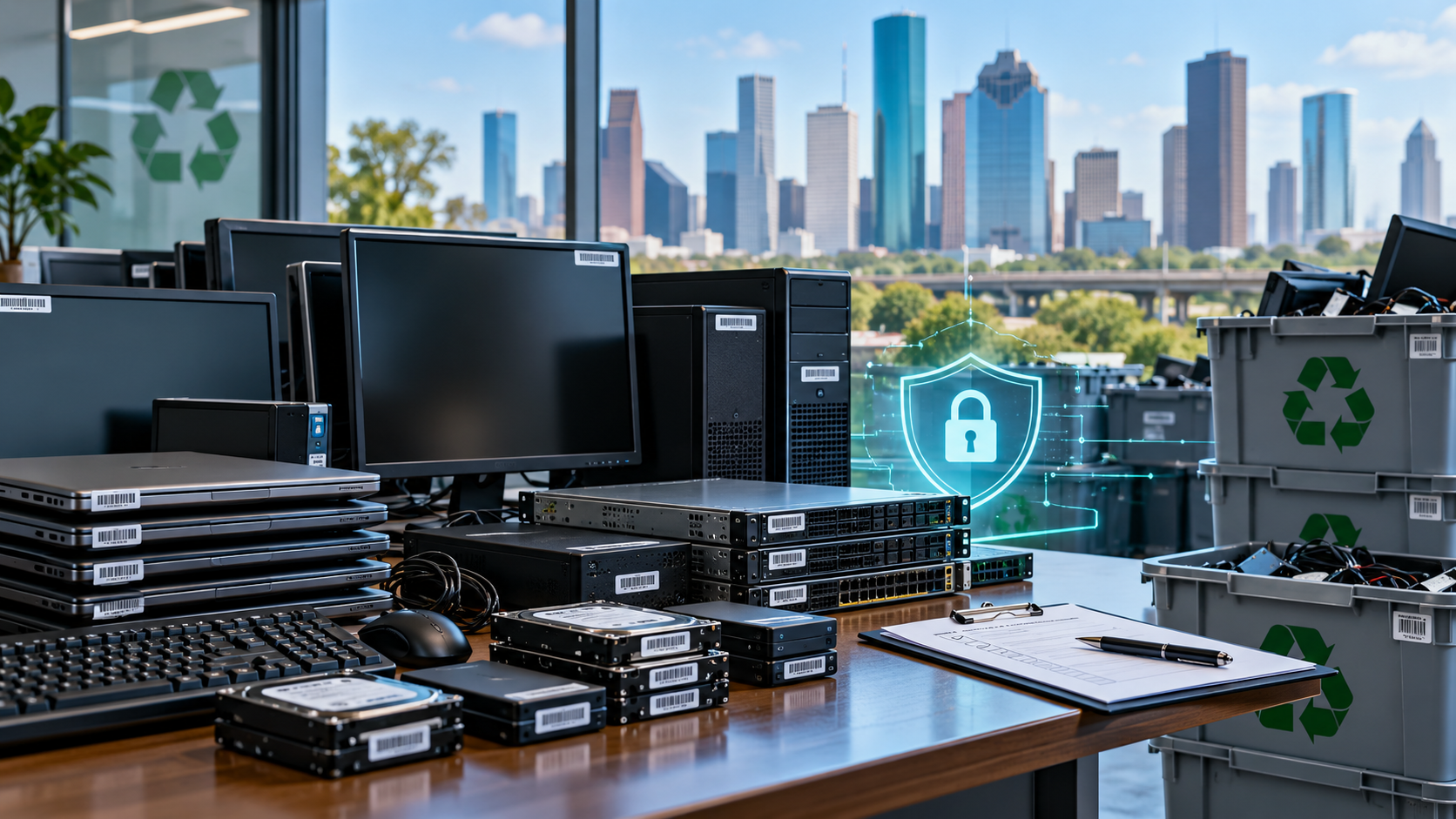
Yes, electronics can be recycled while they still contain data—but the data should not be left unprotected. If you cannot securely erase a device yourself, use a qualified electronics recycler or IT asset disposition (ITAD) provider that can sanitize or physically destroy the storage media before the equipment is reused or processed.
The U.S. Environmental Protection Agency advises consumers to delete personal information before recycling electronics. For businesses, retired computers, servers, phones, tablets and drives may contain customer records, employee information, credentials, financial data or proprietary files. A proper recycling plan should therefore treat data security and physical recycling as separate steps.
Recycling a Device Does Not Automatically Erase Its Data
Putting a computer, phone or hard drive into an electronics-recycling stream does not by itself remove the information stored on it. Data can remain on hard disk drives (HDDs), solid-state drives (SSDs), flash storage, memory cards and embedded storage until it is properly sanitized or the media is physically destroyed.
Simply deleting files is also not the same as sanitization. Deleted files may leave recoverable information behind because many systems remove references to files without immediately overwriting the underlying storage.
The current NIST SP 800-88 Rev. 2, published in September 2025, defines media sanitization as making access to target data infeasible for a specified level of effort. NIST emphasizes a risk-based sanitization program rather than assuming one method fits every device.
What Should You Do Before Recycling Electronics?
For a personal device, back up anything you want to keep, sign out of accounts where practical, remove removable media such as SD cards or SIM cards, and use the manufacturer’s appropriate erase or reset process.
Do not assume every factory reset provides the same protection. SERI, which administers the R2 Standard, states that a factory reset is not considered logical sanitization under R2v3’s data-sanitization requirements. The correct method depends on the storage technology, sensitivity of the information and whether the device will be reused.
For business equipment, use a stronger process:
Inventory data-bearing assets before they leave your control.
Identify the type and sensitivity of information stored on them.
Decide whether media should be sanitized for reuse or physically destroyed.
Maintain custody and tracking during collection and transportation.
Require verification or documentation of sanitization when appropriate.
Data Erasure vs. Physical Destruction
The best method depends partly on whether the equipment still has reuse value.
Logical sanitization uses approved technical methods to make stored information infeasible to recover while preserving the device for possible reuse. NIST’s current framework includes clear and purge approaches, with purge providing stronger protection against advanced recovery techniques while potentially keeping the storage media usable.
Physical destruction may be appropriate when storage media are damaged, cannot be reliably sanitized, have little reuse value, or contain information whose risk justifies destruction. R2v3 guidance recognizes physical methods such as shredding, disintegration and pulverization when appropriate to the media and applicable requirements.
Storage technology matters. A method suitable for a magnetic hard drive may not work for an SSD or other flash-based storage. NIST, for example, warns that degaussing is not appropriate for non-magnetic media such as SSDs.
Can a Recycler Wipe the Data for You?
Yes. You do not necessarily have to erase every device before handing it to a qualified provider.
EPA guidance states that laptops delivered to R2 or e-Stewards certified recyclers will be wiped, and that certified recyclers are audited and maintain data-erasure records. Businesses should still confirm exactly what a provider will do before equipment is collected.
Ask:
What sanitization method will be used for HDDs, SSDs, phones and other data-bearing devices?
Is sanitization performed in-house or by a downstream provider?
How are devices secured before sanitization?
Are serial numbers or asset IDs tracked?
How is successful sanitization verified?
Can you provide records or a certificate of data destruction when requested?
What happens when a device cannot be successfully sanitized?
R2v3 facilities performing logical sanitization are subject to additional requirements around software, records, tracking and verification. e-Stewards also places data-security requirements on certified processors and requires NAID AAA Certification as a prerequisite for processors.
Why Businesses Need More Than a Factory Reset
For an individual recycling an old household device, a properly executed manufacturer erase process may be appropriate depending on the device and data sensitivity.
Businesses should usually take a more structured approach. A server retirement, office move or computer refresh may involve many assets with different data risks. Losing visibility over which drives were sanitized, destroyed, reused or transferred can create security and compliance exposure.
A documented IT asset disposition process can connect asset inventory, chain of custody, sanitization, recycling and reporting into one workflow. This is especially useful for organizations handling regulated, confidential or proprietary information.
What If the Device Is Broken and You Cannot Erase It?
A broken screen, failed motherboard or dead operating system does not mean the data is gone. The storage component may still be readable.
If you cannot access the device well enough to sanitize it, do not assume that damage protects the information. Tell the recycler that the device contains unsanitized storage and ask how the media will be secured and destroyed or otherwise sanitized.
The Bottom Line
You can recycle electronics with data still on them, provided the data is properly protected and sanitized as part of the recycling or ITAD process. If you can securely erase a personal device before recycling, that adds protection. If you cannot—or if you are managing business equipment—use a provider with a documented process for handling data-bearing devices.
LoneStar e-Waste helps Houston-area businesses and organizations connect with electronics recycling and ITAD solutions for retired computers, servers, drives and other equipment. When requesting a quote, identify any data-bearing devices and describe your documentation or destruction requirements so the appropriate solution can be matched to the project.