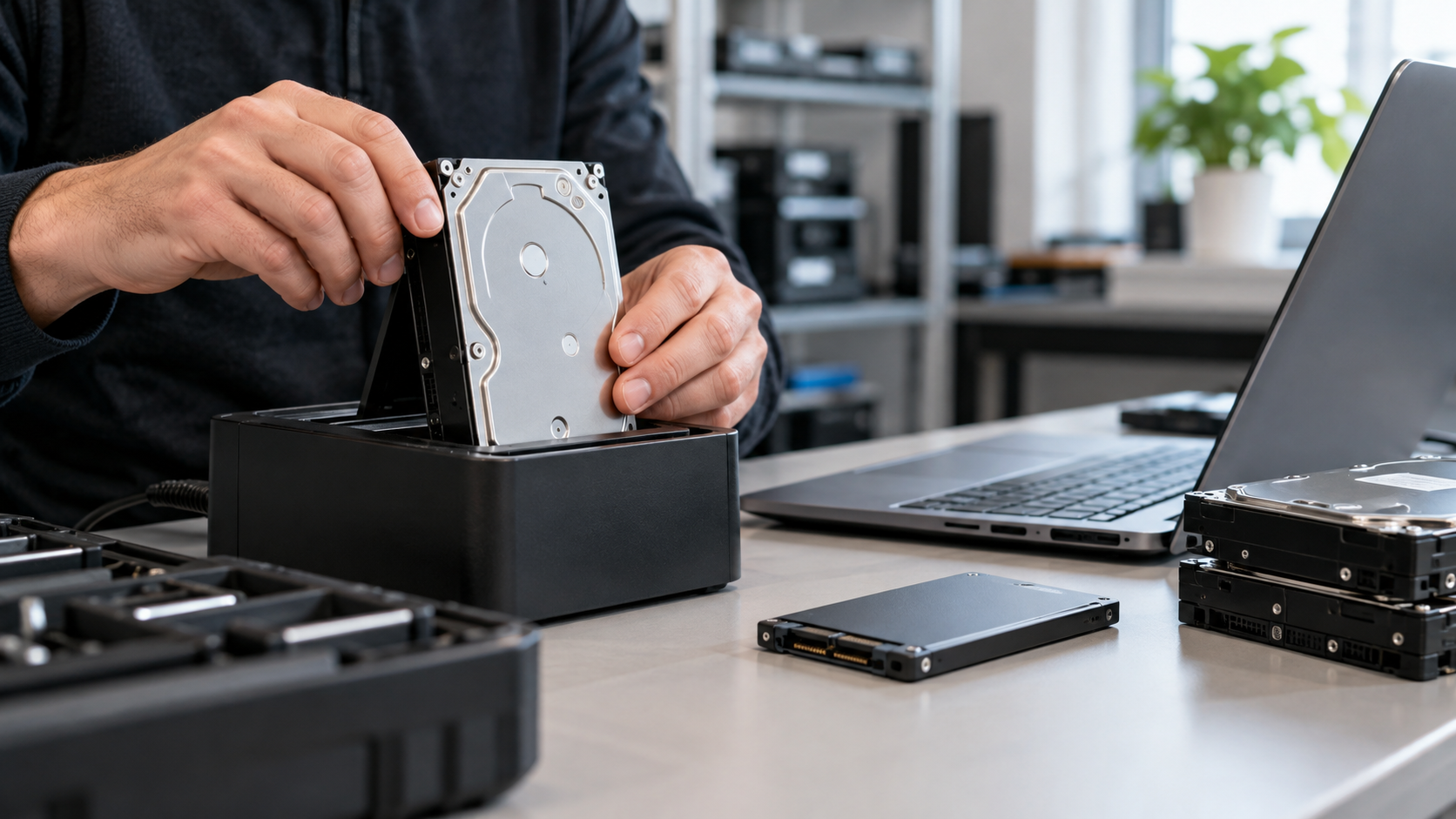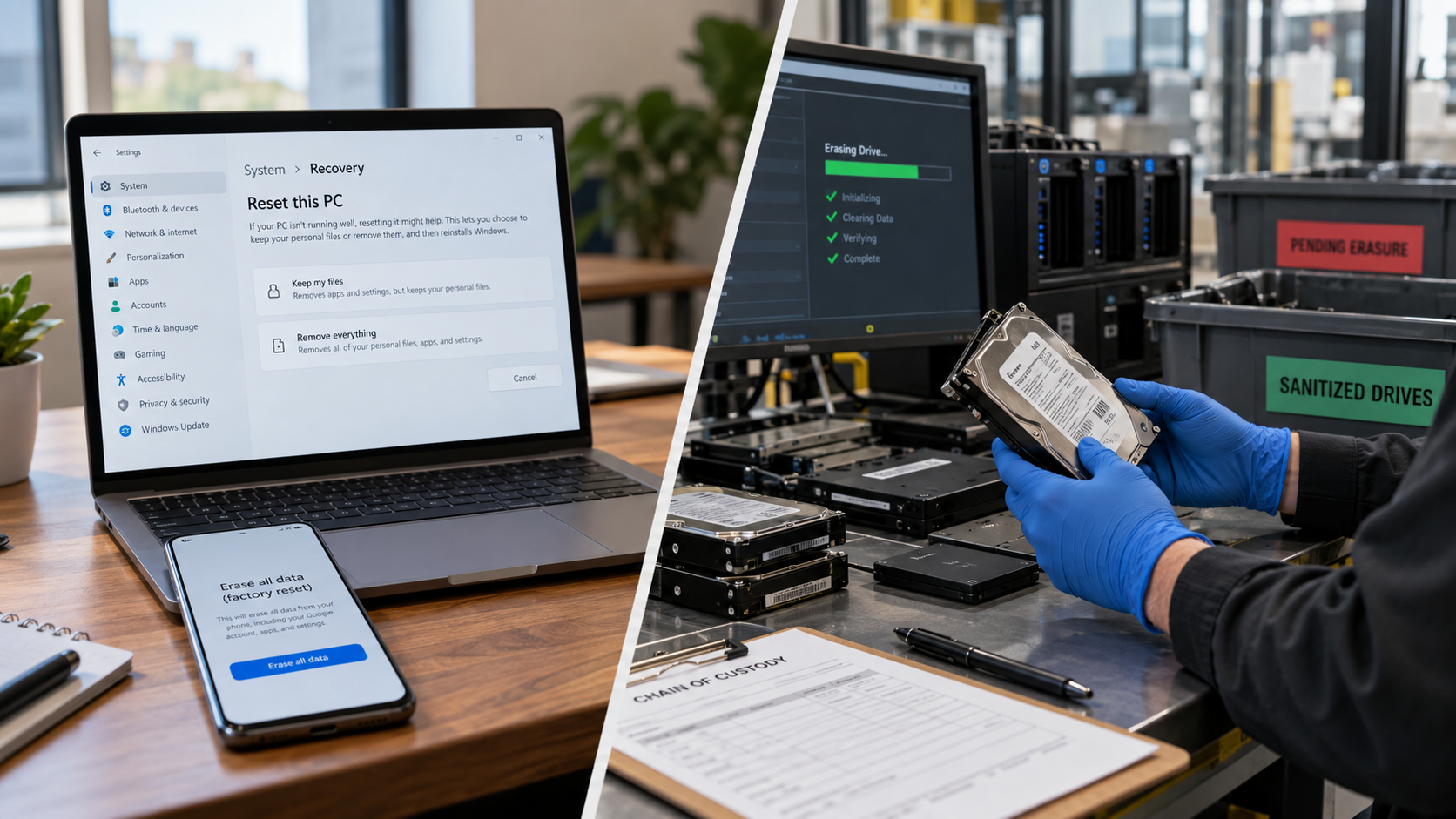

An old hard drive can still hold tax documents, customer records, passwords, emails, photos, and proprietary files long after the computer stops being useful. Deleting files, emptying the recycle bin, or performing a quick format does not necessarily sanitize the drive.
The safest approach is to choose a data-sanitization method based on two questions: Will the drive be reused or permanently retired? and How sensitive is the information on it? NIST SP 800-88 Rev. 2, published in September 2025, organizes media sanitization around three methods: Clear, Purge, and Destroy.
Step 1: Confirm It Is an HDD
A traditional hard disk drive, or HDD, stores data magnetically on spinning platters. A solid-state drive, or SSD, uses flash memory.
That difference matters. Methods suitable for magnetic hard drives do not automatically apply to SSDs. If the device is an SSD, use a device-appropriate sanitization method supported by the manufacturer or a qualified provider.
Step 2: Back Up Anything You Need
Sanitization should be treated as irreversible. Copy any files you must retain to another secure location and confirm the backup works.
Businesses should also check records-retention obligations before destroying a drive. Equipment reaching end of life does not automatically mean the information on it can be discarded.
Step 3: Choose Clear, Purge, or Destroy
Clear: When the HDD Will Be Reused
NIST defines Clear as logical sanitization of user-addressable storage locations against simple, non-invasive recovery methods. For a conventional HDD, overwriting with appropriate software can be a Clear technique when the intended storage areas are covered and the result is verified.
This is not the same as simply deleting files or formatting a partition. Those actions should not be assumed to securely sanitize the underlying data.
Purge: Stronger Sanitization While Preserving Reuse
Purge is intended to make target-data recovery infeasible even with state-of-the-art laboratory techniques while potentially keeping the media reusable. NIST SP 800-88 Rev. 2 moved away from prescribing technology-specific wiping instructions and instead points organizations toward current standards such as IEEE 2883, NSA specifications, or an organizationally approved standard.
Depending on the drive, a purge technique may involve a standardized sanitize command, cryptographic erase on appropriately encrypted media, or another approved technique.
Cryptographic erase should only be relied on when encryption was properly implemented and the relevant encryption keys can be sanitized. NIST defines cryptographic erase as sanitizing the keys that protect encrypted target data so recovery of the decrypted information becomes infeasible.
Destroy: When the Drive Will Never Be Reused
Physical destruction is appropriate when a hard drive is damaged, cannot be reliably sanitized, contains highly sensitive information, or is being permanently retired under an organization’s security policy.
Professional destruction may include shredding, disintegration, or another appropriate method designed to render the storage media unusable. SERI’s R2 guidance recognizes physical sanitization pathways and places emphasis on verification, controls, tracking, and documented processes for data-bearing devices.
For businesses, physical destruction is generally better handled by a qualified provider than with improvised tools.
Methods You Should Not Rely On
Avoid treating these actions as secure data destruction:
- Deleting files or emptying the recycle bin
- Quick formatting
- Breaking only the drive casing
- Random drilling or smashing
- Burning or microwaving electronics
Improvised destruction can leave portions of the storage media intact and may create sharp fragments or other safety hazards. If the data matters, use a defined sanitization process rather than assuming visible damage equals secure destruction.
Verify the Result
Sanitization is not complete just because software displays “finished.” Verification matters.
For an individual, use trusted sanitization software that reports completion and confirm that the previous data is no longer accessible through normal methods.
For businesses, keep records such as the drive serial number, sanitization method, date, result, and responsible party. If an ITAD or electronics recycling provider is involved, ask what verification and documentation are available. SERI’s R2v3 guidance specifically emphasizes device tracking, sanitization records, verification, and controls around logical sanitization.
What to Ask a Data-Destruction Provider
Before handing over hard drives, ask:
- How will each HDD be sanitized or destroyed?
- Are serial numbers tracked?
- Is there a documented chain of custody?
- Is sanitization verified?
- Will you receive a certificate or destruction record?
- Where will the remaining electronic material go?
- Does the processing facility hold a relevant certification such as R2 or e-Stewards?
The U.S. EPA recommends certified electronics recyclers for businesses, governments, and large purchasers and identifies R2 and e-Stewards as the two accredited electronics-recycling certification standards in the United States.
HDD Data Destruction for Houston Businesses
For organizations retiring computers, servers, or storage equipment, data destruction should be part of the full IT asset disposition process. Identify every data-bearing device before pickup, decide which drives can be sanitized for reuse and which should be destroyed, and define the documentation you require.
LoneStar e-Waste helps Houston organizations connect with appropriate electronics recycling and ITAD solutions rather than representing itself as the processing facility. If you are retiring hard drives with computers, servers, or other business electronics, include your data-destruction requirements when requesting a quote.