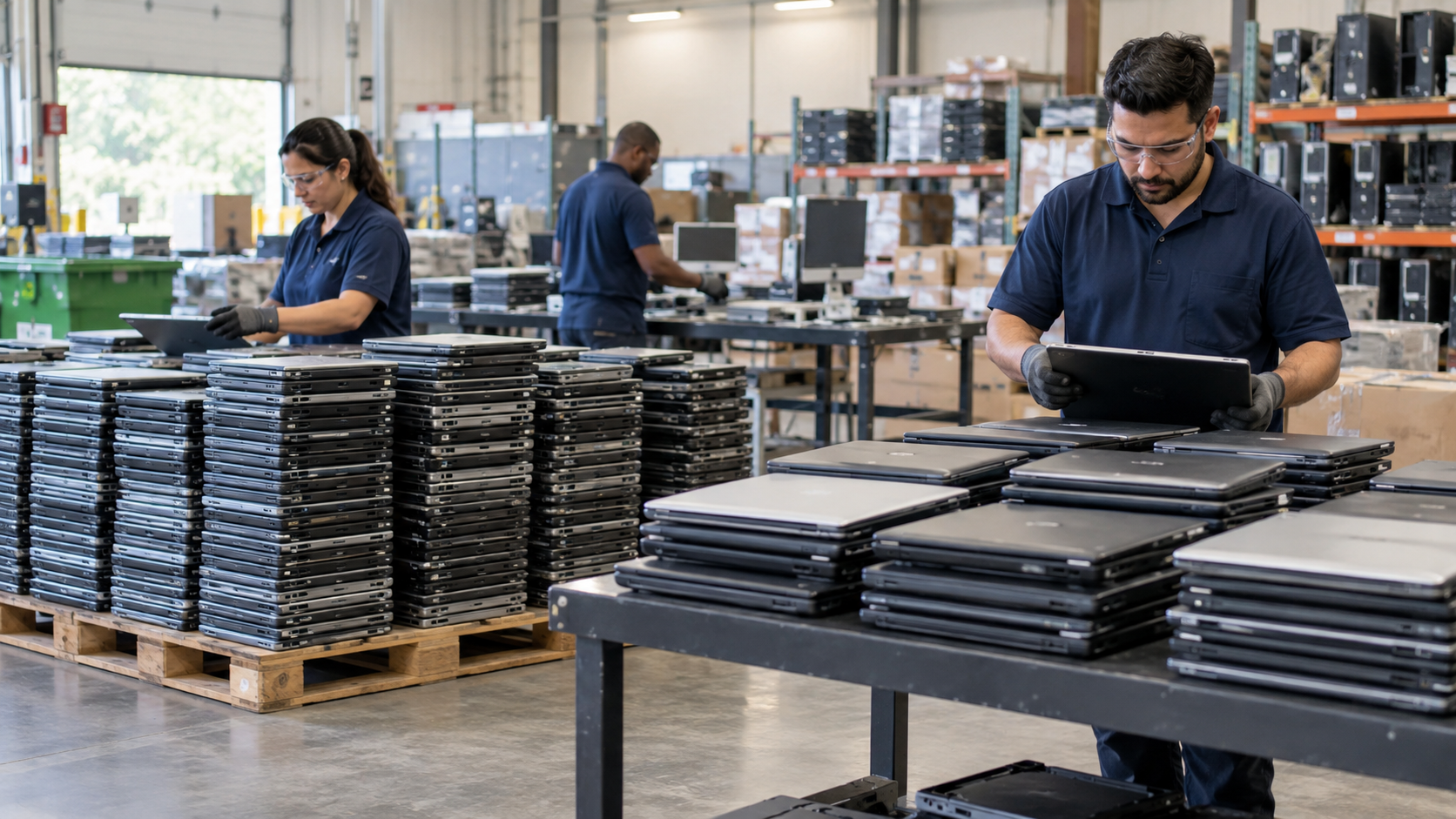
Retired servers should not be treated like ordinary office trash. A server can contain hard drives or SSDs, memory, processors, power supplies, circuit boards, network cards, cables, and sometimes batteries or battery-backed components. The right approach is to inventory the equipment, protect or sanitize stored data, determine what can be reused, and send the remaining hardware through a qualified electronics recycling or IT asset disposition (ITAD) provider.
For businesses, server recycling is as much a data-security and asset-management project as it is a recycling task.
1. Inventory the Servers Before They Leave
Create an asset list with the server make and model, serial number or asset tag, installed storage devices, location, and status. If you are retiring multiple racks, include switches, storage arrays, UPS units, and related equipment.
Confirm that every server is approved for retirement before it is disconnected or removed.
2. Back Up and Decommission the Environment
Before recycling a server, retain any required data, configurations, encryption keys, licenses, and application information according to your organization’s policies.
Then remove the server from production in a controlled way and update your asset register so retired hardware is no longer shown as active.
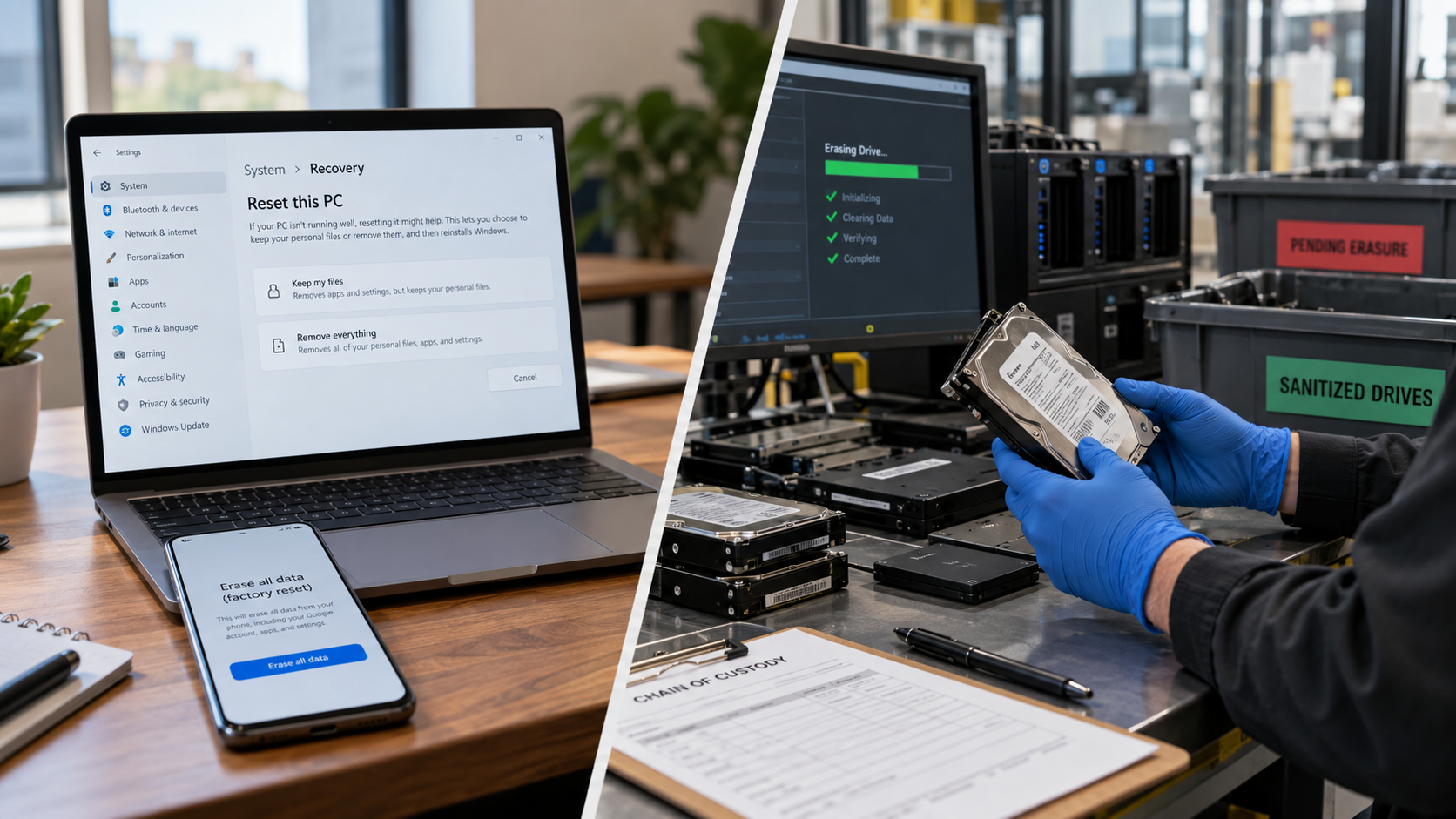
Decommissioning is not the same as data sanitization. Turning off a server or deleting files does not by itself address information stored on its media.
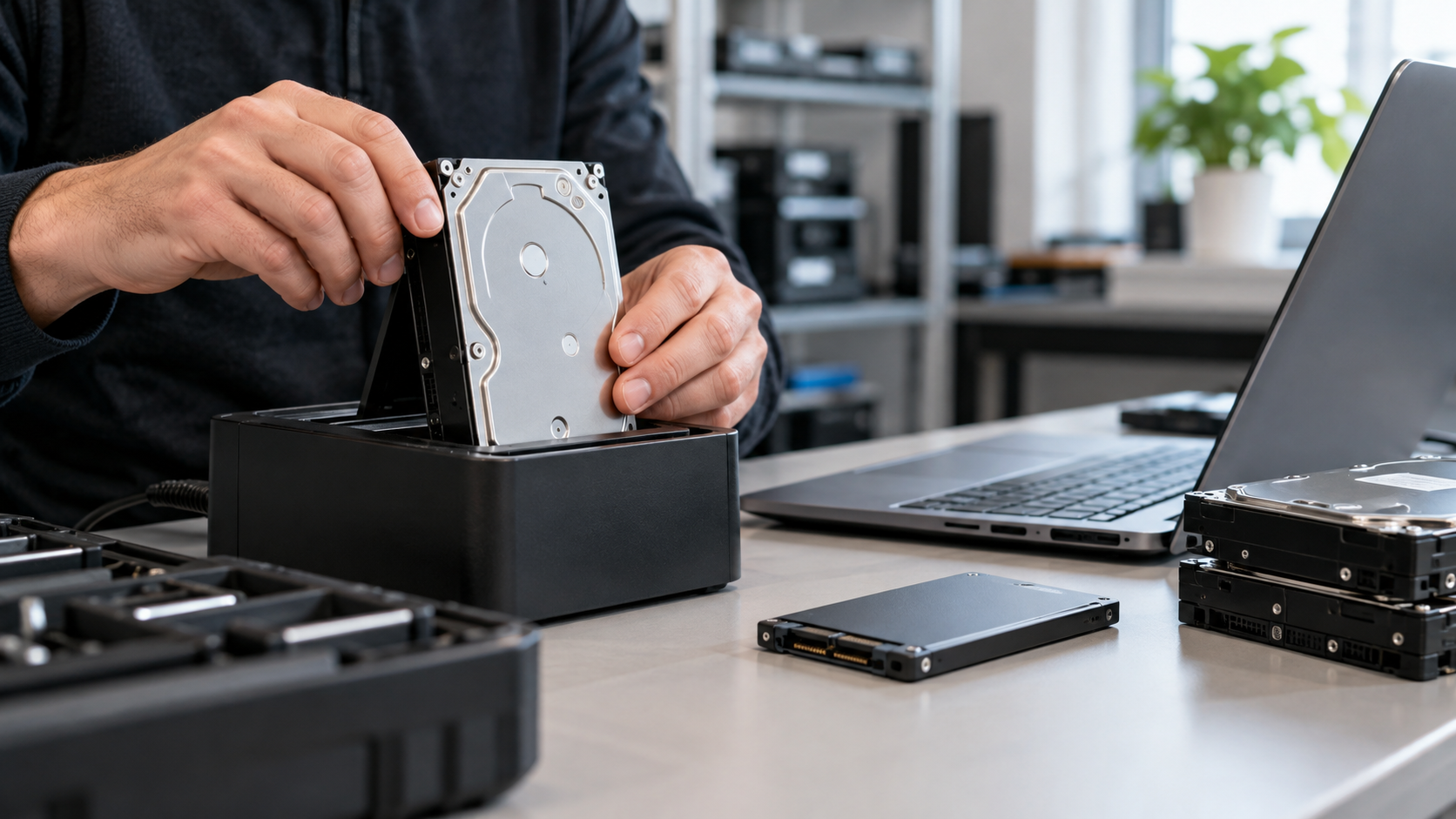
3. Identify Every Data-Bearing Component
Servers may contain more storage than is immediately visible. Check for:
- HDDs and SSDs
- NVMe drives
- Internal boot drives
- Removable storage modules
- Storage arrays or external shelves
- Backup media associated with the system
Treat these components according to the sensitivity of the information they contained and your organization’s security requirements.
NIST SP 800-88 Rev. 2, published in September 2025, defines media sanitization as making access to target data infeasible for a given level of effort. The revision emphasizes maintaining a media sanitization program and selecting appropriate controls based on information sensitivity.
4. Choose Sanitization or Physical Destruction Appropriately
Not every storage device must automatically be destroyed. If a server or drive still has reuse value, an approved logical sanitization process may allow it to be redeployed, refurbished, or resold.
For failed drives, higher-risk media, or policies that prohibit reuse, physical destruction may be appropriate. The choice should reflect the media type, condition, data sensitivity, contractual obligations, and your organization’s approved standard.
SERI’s R2v3 guidance stresses controlled and documented logical sanitization when electronics are prepared for reuse. This matters because unnecessary destruction can eliminate reuse opportunities, while weak sanitization can expose confidential information.
Ask the provider how drives will be handled, how sanitization results are validated, and what documentation is provided.
5. Separate Reusable Equipment From Material Recovery
A responsible server retirement project should evaluate reuse before assuming every component is scrap.
Working servers may have value as complete systems. CPUs, memory modules, power supplies, network cards, and other components may also have secondary-market value when serviceable. Equipment that is obsolete, damaged, or uneconomical to reuse can move into recycling, where chassis, circuit boards, wiring, and other materials can enter appropriate downstream processing.
The U.S. EPA recommends certified electronics recyclers for businesses, governments, and large purchasers. EPA recognizes R2 and e-Stewards as the two accredited certification standards for electronics recyclers in the United States.
6. Handle Batteries and UPS Equipment Carefully
Server rooms often include UPS systems, battery packs, and other energy-storage components. Do not assume they should be handled like ordinary electronic scrap.
EPA notes that lithium-ion batteries may be managed as universal waste and require appropriate handling. Damaged or swollen batteries can also create fire and transportation risks. Tell the provider in advance if the project includes UPS units, lithium batteries, lead-acid batteries, or battery-backed hardware.
7. Request Chain-of-Custody and Project Documentation
For commercial server recycling, define documentation requirements before pickup. Depending on your needs, request:
- Serialized asset reporting
- Pickup or transfer records
- Chain-of-custody documentation
- Data-sanitization or destruction records
- Certificates of recycling or data destruction
- Final disposition reporting
Match documentation to your security, audit, customer, and internal policy requirements.
Server Recycling in Texas
Texas businesses should distinguish commercial server recycling from consumer computer take-back programs. TCEQ states that manufacturer programs are primarily designed for consumers and advises commercial, government, and nonprofit organizations to explore other recycling, donation, refurbishment, or manufacturer options.
TCEQ also notes that electronics can become regulated waste depending on how they are managed and that businesses disposing of electronic equipment must comply with applicable requirements. For larger server-retirement projects, a qualified commercial recycling or ITAD provider is often the more practical route.
Frequently Asked Questions
Can I recycle a server with the hard drives still inside?
Yes, if the receiving provider has a defined process for securing, sanitizing, or destroying the drives. Businesses should document how data-bearing media will be handled before equipment leaves their control.
Should old servers be reused or recycled?
If equipment remains functional and can be securely sanitized, reuse may extend its useful life and preserve value. Damaged, obsolete, or uneconomical equipment is a stronger candidate for material recycling.
What should I ask a server recycling company?
Ask about accepted equipment, pickup logistics, data sanitization, physical destruction options, chain of custody, certifications, downstream processors, asset reporting, and certificates provided after processing.
Plan Your Server Retirement Before Pickup
A good server recycling project starts before the equipment reaches the loading dock. Inventory the assets, secure the data, decide what can be reused, define documentation requirements, and verify how the provider manages data-bearing media and downstream materials.
LoneStar e-Waste helps Houston organizations connect with appropriate electronics recycling and ITAD solutions for retired servers, storage equipment, networking hardware, hard drives, and other business electronics. If you are planning a server refresh, office closure, or infrastructure upgrade, request a quote with the equipment type, approximate quantity, location, and data-security requirements.