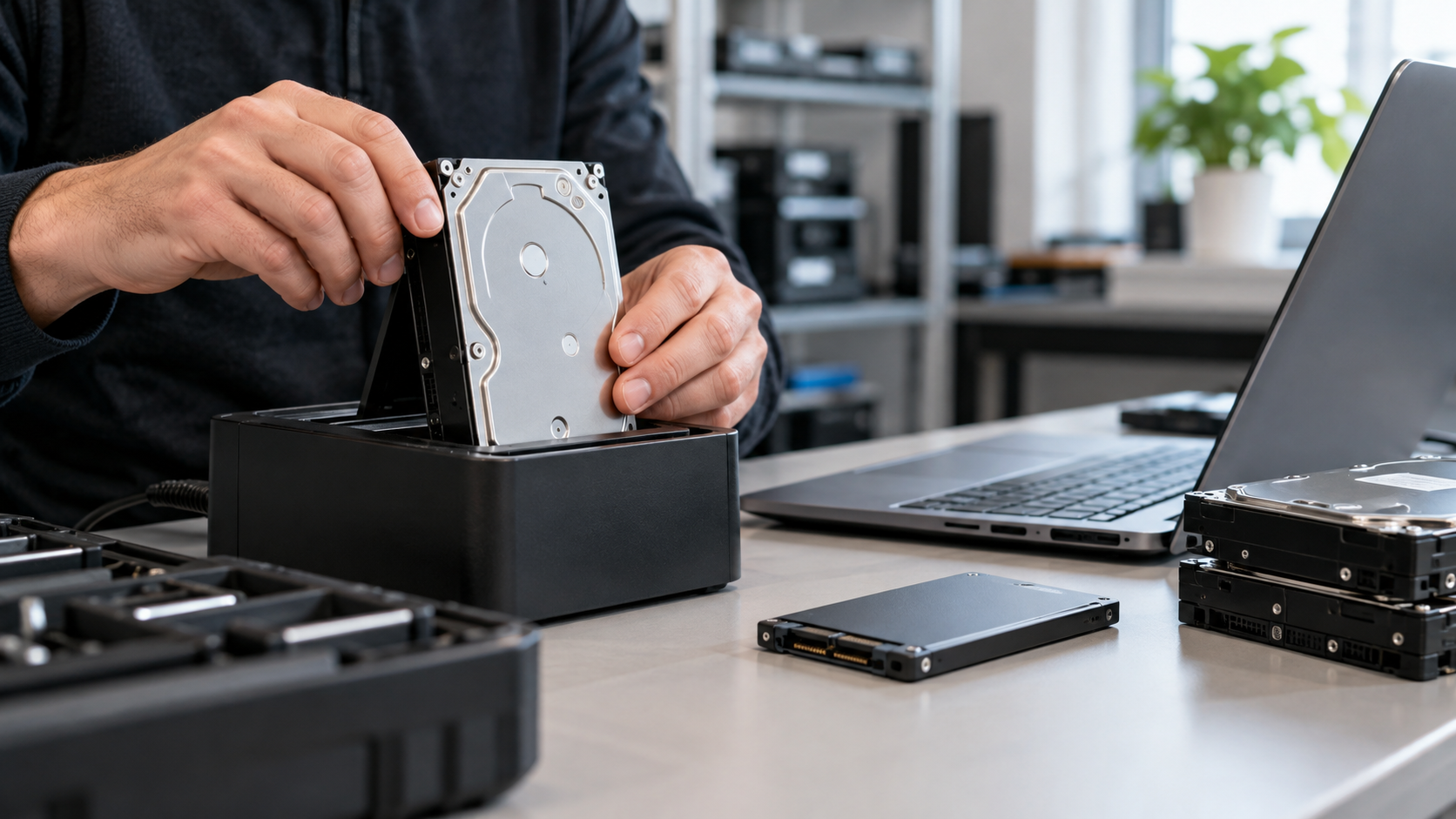
A factory reset and a data wipe can both make a device look empty, but they are not automatically the same security operation. A factory reset is mainly a device-restoration function: it returns software and settings to a default state and may remove user data. Data wiping is about making stored information unrecoverable to an appropriate level. For organizations retiring computers, phones, servers, hard drives, or SSDs, that distinction matters.
NIST’s current media-sanitization guidance, SP 800-88 Rev. 2, defines sanitization around the result: access to target data should be infeasible for a specified level of effort. NIST groups sanitization into Clear, Purge, and Destroy methods. A reset may sometimes be part of a valid sanitization process, but the word “reset” by itself does not prove that data was sanitized.
What Does a Factory Reset Actually Do?
A factory reset generally restores a device to its original or default configuration. It may remove accounts, apps, settings, and user-visible files.
The security outcome depends on how the manufacturer implemented the reset. NIST notes that a factory-state reset can qualify as a Clear technique where rewriting is not supported. Clear is designed to protect against simple, non-invasive recovery using the device’s normal interface; it is not automatically equivalent to the stronger Purge method.
What Is Data Wiping or Media Sanitization?
“Data wiping” is a common industry phrase, but “media sanitization” is the more precise security term. The method should match the media type, data sensitivity, future use, and required assurance.
NIST defines three broad methods:
- Clear: logical techniques that sanitize user-addressable storage against simple recovery methods.
- Purge: physical or logical techniques intended to make recovery infeasible even with state-of-the-art laboratory techniques.
- Destroy: makes target data recovery infeasible and leaves the media unable to store data again.
One important Purge technique is cryptographic erase. When data is properly encrypted, sanitizing the relevant encryption keys can make recovery of the decrypted target data infeasible.
Can a Factory Reset Be Secure?
Yes—on some devices. The distinction should not be reduced to “factory reset is unsafe.” Modern devices may use encryption-backed erase processes that provide a strong security outcome.
Apple, for example, states that Erase All Content and Settings on supported devices destroys keys in effaceable storage, rendering user data cryptographically inaccessible.
But reset behavior is not universal. Microsoft’s current Windows guidance says that Reset this PC can remove files and optionally clean the drive, while also warning that its data-erasure functionality is intended for consumers and does not meet government or industry data-erasure standards.
The practical rule is to evaluate what the erase process does and whether it meets your required standard.
Factory Reset vs. Data Wiping: What Businesses Should Check
Before retiring a data-bearing device, ask:
- What storage media is inside: HDD, SSD, flash storage, or removable media?
- Is the device encrypted?
- Does the manufacturer document what its reset or erase function does?
- Is the equipment being reused, resold, recycled, or destroyed?
- What sanitization level does your organization require?
- Do you need verification, serialized reporting, or a certificate of data destruction?
For business assets containing customer records, employee data, credentials, intellectual property, or other sensitive information, use a defined sanitization process and retain evidence that it was completed. NIST’s current guidance places increased emphasis on enterprise sanitization programs and on assurance that selected sanitization techniques are appropriate and effective.
Why This Matters in ITAD and Electronics Recycling
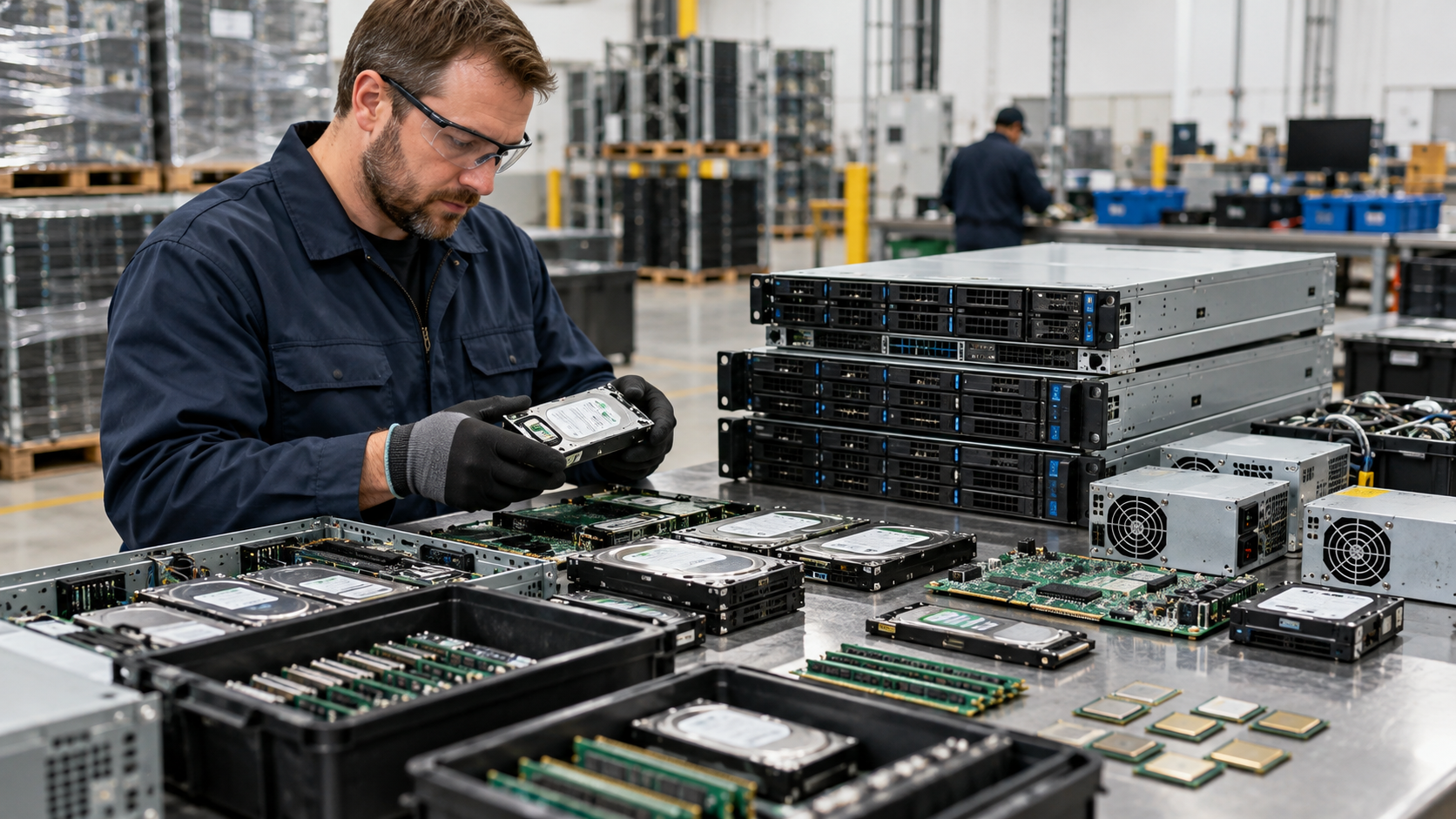
An IT asset disposition (ITAD) project can involve many kinds of data-bearing equipment. Data security should be addressed before those assets leave organizational control.
R2v3 reflects this more controlled approach. SERI describes Appendix B as covering logical data sanitization with added requirements involving tracking, verification, recordkeeping, and quality controls for applicable R2 facilities.
A business process therefore should do more than tell employees to “factory reset everything.” It should identify data-bearing devices, define the appropriate sanitization method, track the assets, verify completion, and retain the required documentation.
What Should You Ask a Recycler or ITAD Provider?
Ask which sanitization standard or documented method the provider follows, how it handles HDDs and SSDs, how sanitization is verified, and what documentation is provided.
Useful questions include:
- Which data-sanitization standard or procedure do you follow?
- How are HDDs, SSDs, phones, and other storage devices handled?
- Is the selected process Clear, Purge, cryptographic erase, or physical destruction?
- How do you verify successful sanitization?
- Can you provide serialized asset reporting or certificates of data destruction?
- What happens when a drive cannot be successfully sanitized?
The strongest answer is not simply “we reset the devices.” You should be able to understand the method, the verification process, and what happens if a device cannot be successfully sanitized.
FAQ
Is deleting files the same as wiping a drive?
No. Ordinary deletion is not a sanitization method by itself. It may remove file references without making the underlying data sufficiently difficult to recover. Media sanitization is specifically intended to make access to target data infeasible at a defined level of effort.
Is a factory reset enough before recycling a phone?
Sometimes. On supported encrypted devices, the manufacturer’s erase process may make user data cryptographically inaccessible. Check the manufacturer’s documentation instead of assuming every reset works the same way. Apple’s Erase All Content and Settings is an example of a manufacturer-documented cryptographic erase process on supported devices.
Should a business physically destroy every hard drive?
Not necessarily. The right method depends on data sensitivity, media type, reuse goals, contractual requirements, and the organization’s sanitization policy. Properly sanitized devices may be reusable; other situations may require destruction. NIST treats Clear, Purge, and Destroy as different sanitization options rather than prescribing destruction for every device.
Protect the Data Before the Device Leaves
A factory reset can be useful, and on some modern devices it can be part of a strong sanitization process. But “factory reset” and “data wiping” are not interchangeable terms. Identify the media, choose an appropriate sanitization method, verify the result, and document what happened.
For Texas organizations retiring computers, servers, drives, or other IT equipment, LoneStar e-Waste can help connect you with an appropriate electronics recycling or ITAD solution based on equipment volume, pickup needs, data-security requirements, and documentation needs.