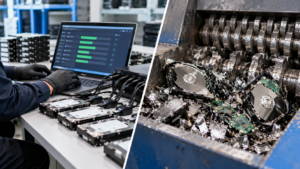
When a business retires computers, servers, storage systems, or other IT equipment, deleting files or formatting a drive is not the same as securely sanitizing the data. The real decision is usually between data wiping and physical destruction such as hard drive shredding.
The right choice depends on the type of storage device, sensitivity of the information, whether the equipment has reuse value, and your organization’s security or compliance requirements. NIST describes media sanitization as a process that makes access to target data infeasible for a given level of effort. Its current guidance, NIST SP 800-88 Rev. 2, emphasizes building a risk-based media sanitization program rather than applying one disposal method to every device.
For many businesses, verified data wiping makes sense when drives can be securely sanitized and reused. Hard drive shredding is appropriate when physical destruction is required, the device cannot be reliably sanitized, or reuse is not the objective.
What Is Data Wiping?
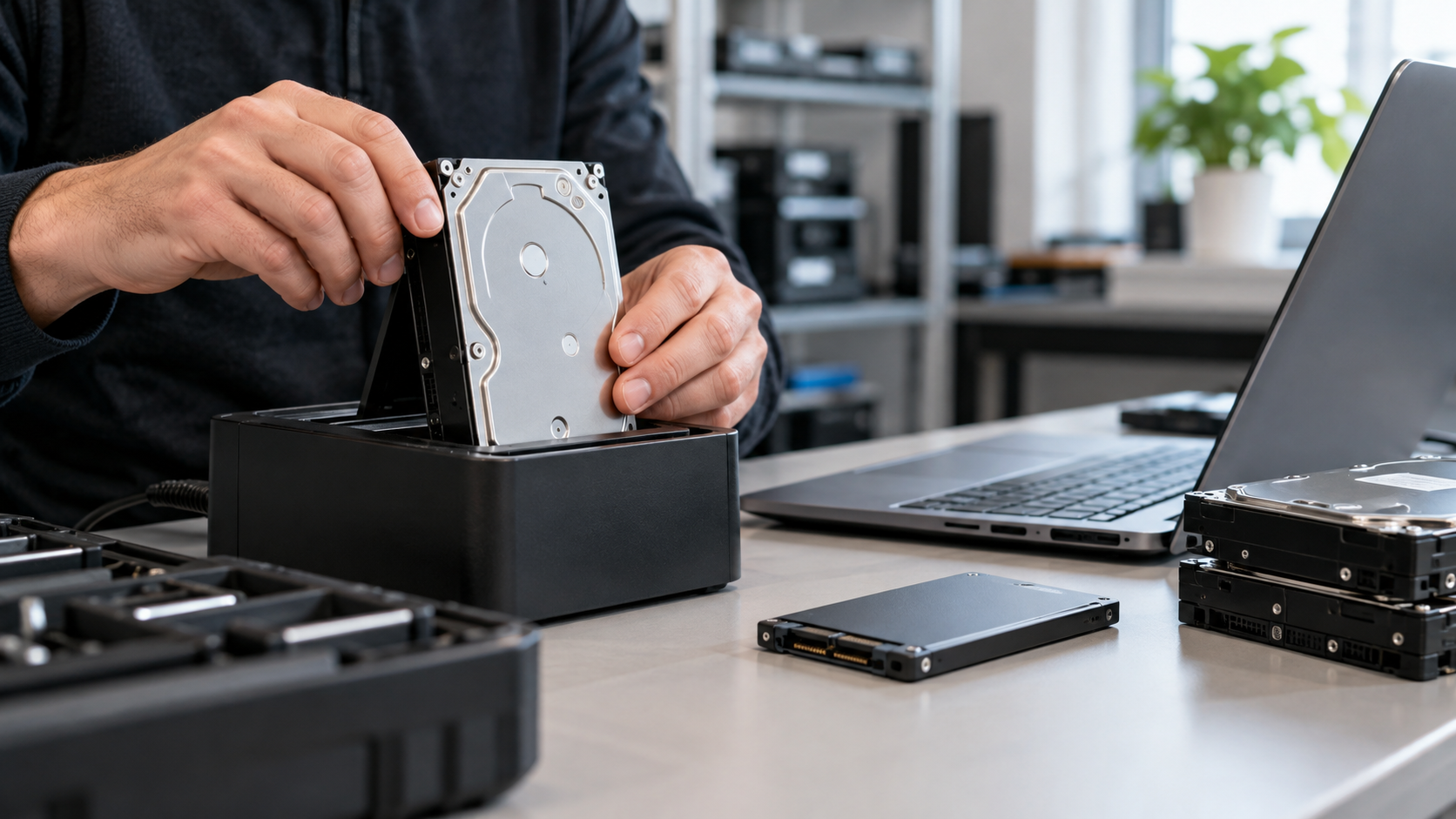
Data wiping, often called logical data sanitization or data erasure, uses an approved process to make information stored on a device inaccessible while keeping the storage device physically intact.
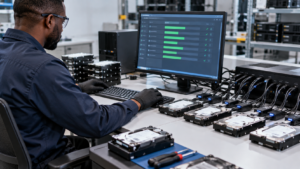
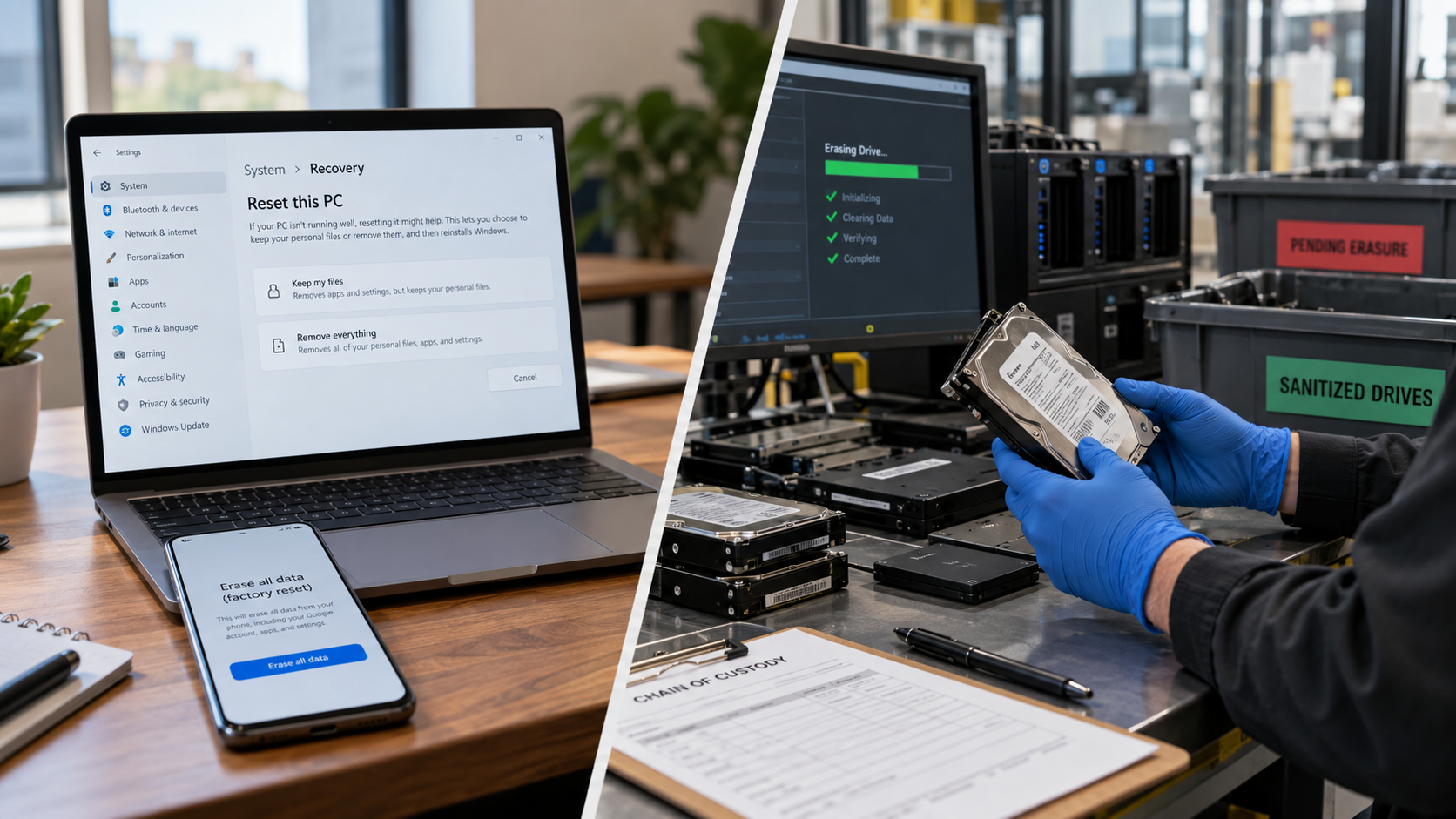
This distinction matters because ordinary file deletion, quick formatting, or simply resetting a computer should not automatically be treated as secure sanitization. Under R2v3 guidance from Sustainable Electronics Recycling International (SERI), logical sanitization uses software designed to perform the sanitization and maintain records of the results. SERI specifically notes that a factory reset alone is not considered logical sanitization under its requirements.
The major advantage is reuse. If a functional laptop, desktop, server, HDD, or other supported storage device can be properly sanitized and verified, the equipment may retain resale, redeployment, donation, or refurbishment value.
For organizations replacing large quantities of working IT equipment, destroying every drive can therefore eliminate potential asset value unnecessarily.
What Is Hard Drive Shredding?
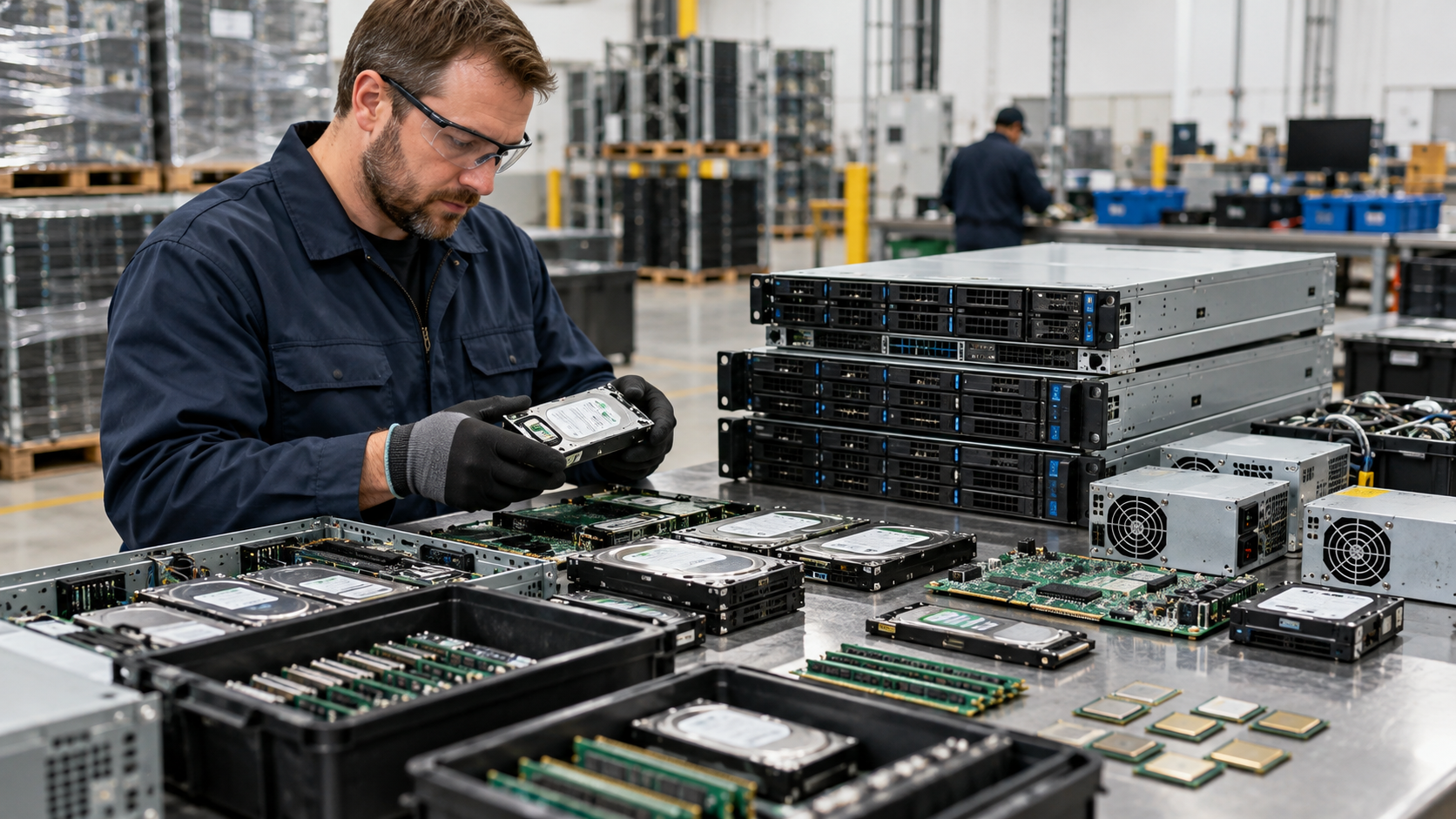
Hard drive shredding physically destroys storage media by mechanically reducing the device into fragments. Unlike logical sanitization, the process is intended to prevent the drive from being used again.
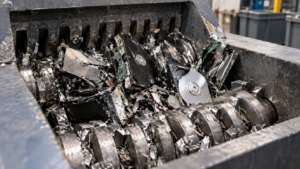
SERI identifies shredding, disintegrating, pulverizing, and smelting among physical destruction approaches that may be applicable to data devices or media, depending on the media and sanitization requirements.
Physical destruction can be appropriate when:
- drives are damaged or nonfunctional;
- reuse is not planned;
- an organization’s security policy requires physical destruction;
- the chosen logical sanitization process cannot be successfully completed;
- customers or contracts require destruction; or
- the sensitivity of the information justifies a destruction-based approach.
The important point is that shredding should be part of a controlled process—not simply a drive disappearing into a scrap stream.
Hard Drive Shredding vs. Data Wiping
The biggest difference is what happens to the storage device afterward.
Data wiping preserves the device. When properly performed and verified, the drive may be reused.
Hard drive shredding destroys the device. It removes the possibility of reuse but can provide an appropriate physical sanitization route when destruction is required.
Neither method should be selected solely because one sounds more secure. NIST SP 800-88 Rev. 2 recommends that organizations base sanitization decisions on factors including information sensitivity and establish appropriate controls for their sanitization and disposal program.
Storage technology matters as well. HDDs, SSDs, encrypted storage, flash media, and embedded storage do not necessarily support identical sanitization techniques. A business should verify that the selected method is appropriate for the specific media involved.
When Should Your Business Choose Data Wiping?
Consider verified data wiping when the equipment is functional and retaining its reuse value matters.
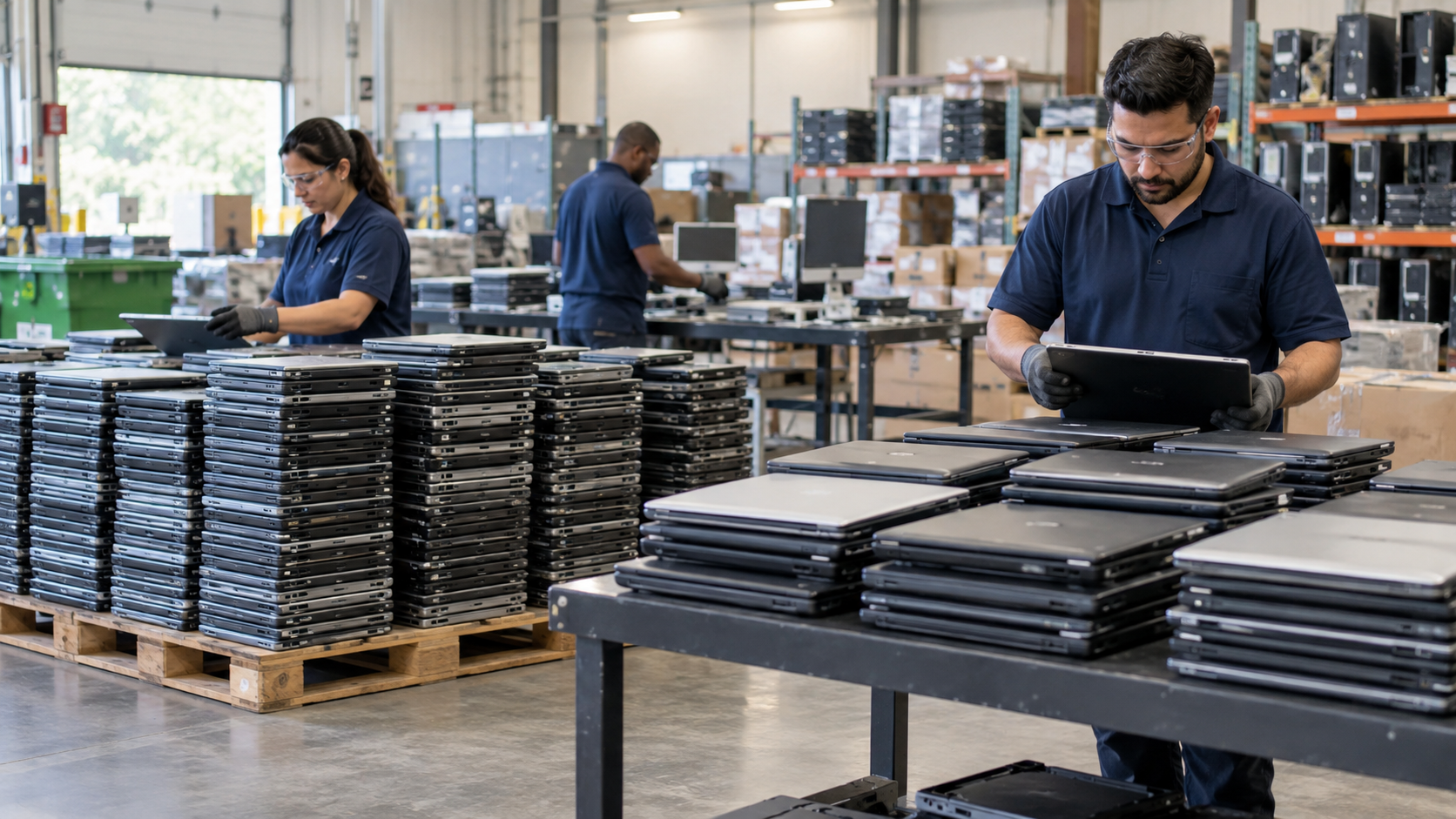
This can be particularly relevant during laptop refreshes, office relocations, data-center upgrades, employee device replacement programs, and other IT asset disposition projects involving usable hardware.
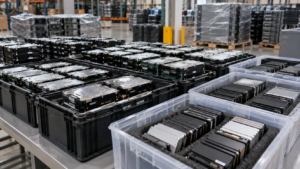
However, ask the provider how sanitization is performed and validated. SERI’s R2v3 guidance places significant emphasis on tracking and records for logical sanitization, including information such as device identifiers, media type, sanitization method, tool used, results, and verification.
A failed wipe should also have a defined next step. Depending on the organization’s policy and applicable requirements, that may mean attempting another approved sanitization method or routing the media to physical destruction.
When Does Hard Drive Shredding Make More Sense?
Physical destruction becomes more attractive when drives are defective, obsolete, destined only for material recovery, or subject to policies requiring destruction.
It can also simplify disposition decisions when there is no economic or operational reason to preserve the media.
But businesses should still consider the full chain of custody. Sensitive drives may pass through collection, staging, transportation, processing, and final disposition. Security therefore involves more than what happens at the shredder.
Ask prospective providers how data-bearing assets are identified, secured, tracked, transported, processed, and documented.
Documentation Matters as Much as the Method
For business ITAD projects, your records can be nearly as important as the sanitization technique.
Depending on the project, useful documentation may include asset serial numbers, inventory records, chain-of-custody information, sanitization results, and certificates documenting data destruction or sanitization.
For organizations evaluating vendors, certification can also be part of due diligence. For example, i-SIGMA’s voluntary NAID AAA Certification covers secure information destruction providers and uses scheduled and unannounced audits. R2v3 Appendix B includes enhanced requirements around logical sanitization, security, tracking, verification, and recordkeeping.
Legal requirements vary by organization and data type. The FTC Disposal Rule, for example, requires covered businesses handling consumer report information to take reasonable measures against unauthorized access or use during disposal and recognizes destruction or erasure of electronic media as possible approaches.
Questions to Ask a Data Destruction Provider
Before handing over data-bearing equipment, ask:
- Which sanitization methods do you use for HDDs and SSDs?
- How do you verify that wiping succeeded?
- What happens when a device cannot be successfully sanitized?
- Can you provide device-level records or certificates?
- How is equipment secured during transportation and storage?
- Which certifications apply specifically to the facility and services handling our equipment?
- Can reusable equipment be separated from assets requiring destruction?
These questions help you evaluate the entire process rather than choosing a vendor based only on the word “shredding” or “wiping.”
FAQ
Is wiping a hard drive the same as deleting files?
No. Deleting files normally removes references used by the operating system and should not be assumed to securely sanitize the underlying storage media. Proper sanitization uses methods appropriate to the device and required security level.
Should every business shred its old hard drives?
Not necessarily. Functional drives may be candidates for verified sanitization and reuse. Physical destruction may be preferable when reuse is unnecessary, sanitization cannot be completed reliably, or organizational requirements call for destruction.
Can businesses use both methods?
Yes. A well-designed ITAD program can route reusable equipment through verified logical sanitization while directing failed, damaged, or destruction-designated media to an appropriate physical sanitization process.
Choosing the Right Approach
The best process is not automatically “wipe everything” or “shred everything.” Start with the sensitivity of your data, the storage technology, your reuse objectives, and any contractual, regulatory, or internal security requirements.
For Houston-area businesses retiring computers, servers, hard drives, or other data-bearing electronics, LoneStar e-Waste can help connect your organization with appropriate electronics recycling and ITAD solutions. Request a quote with details about your equipment, quantities, data-security requirements, and preferred disposition method.