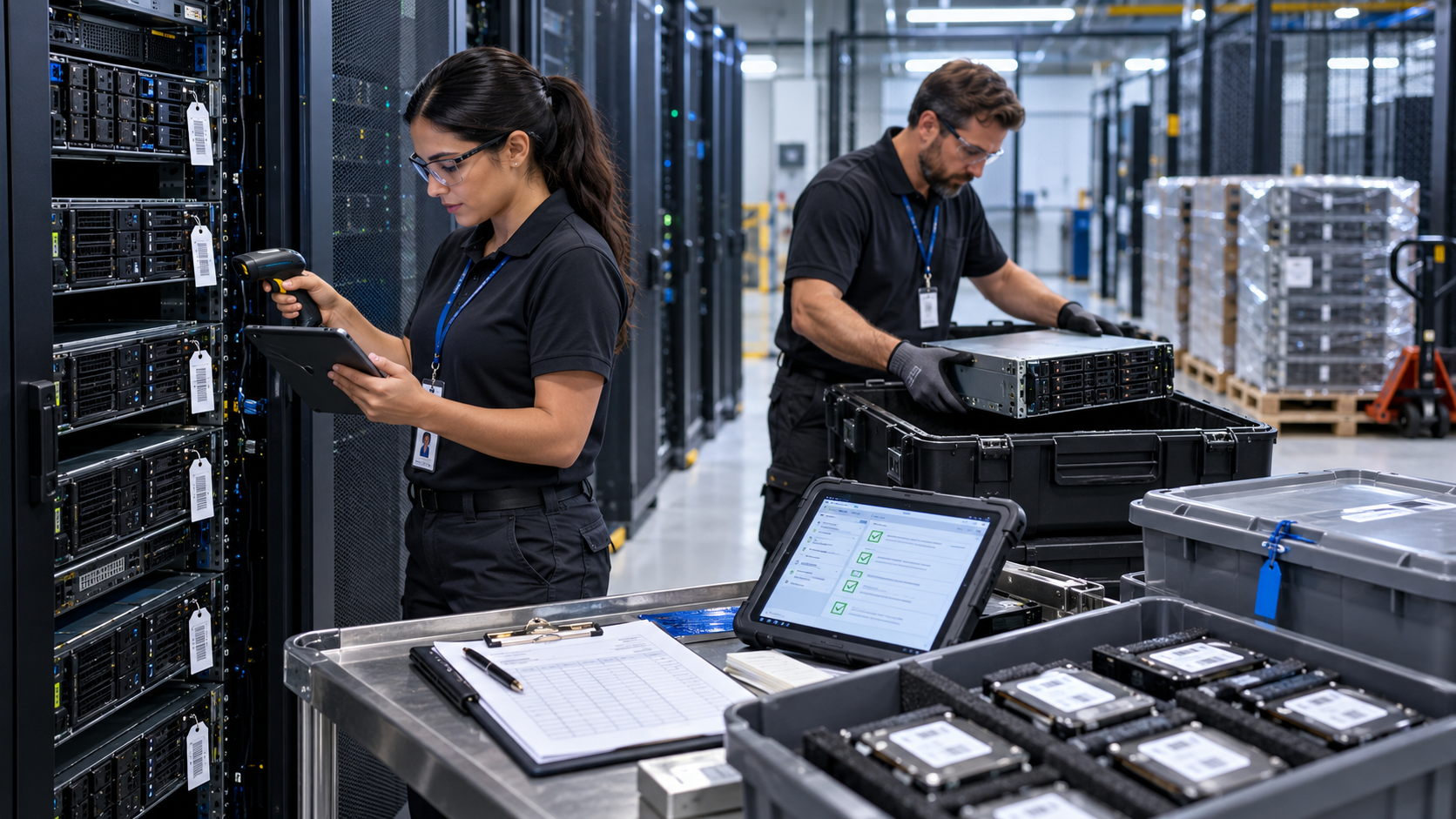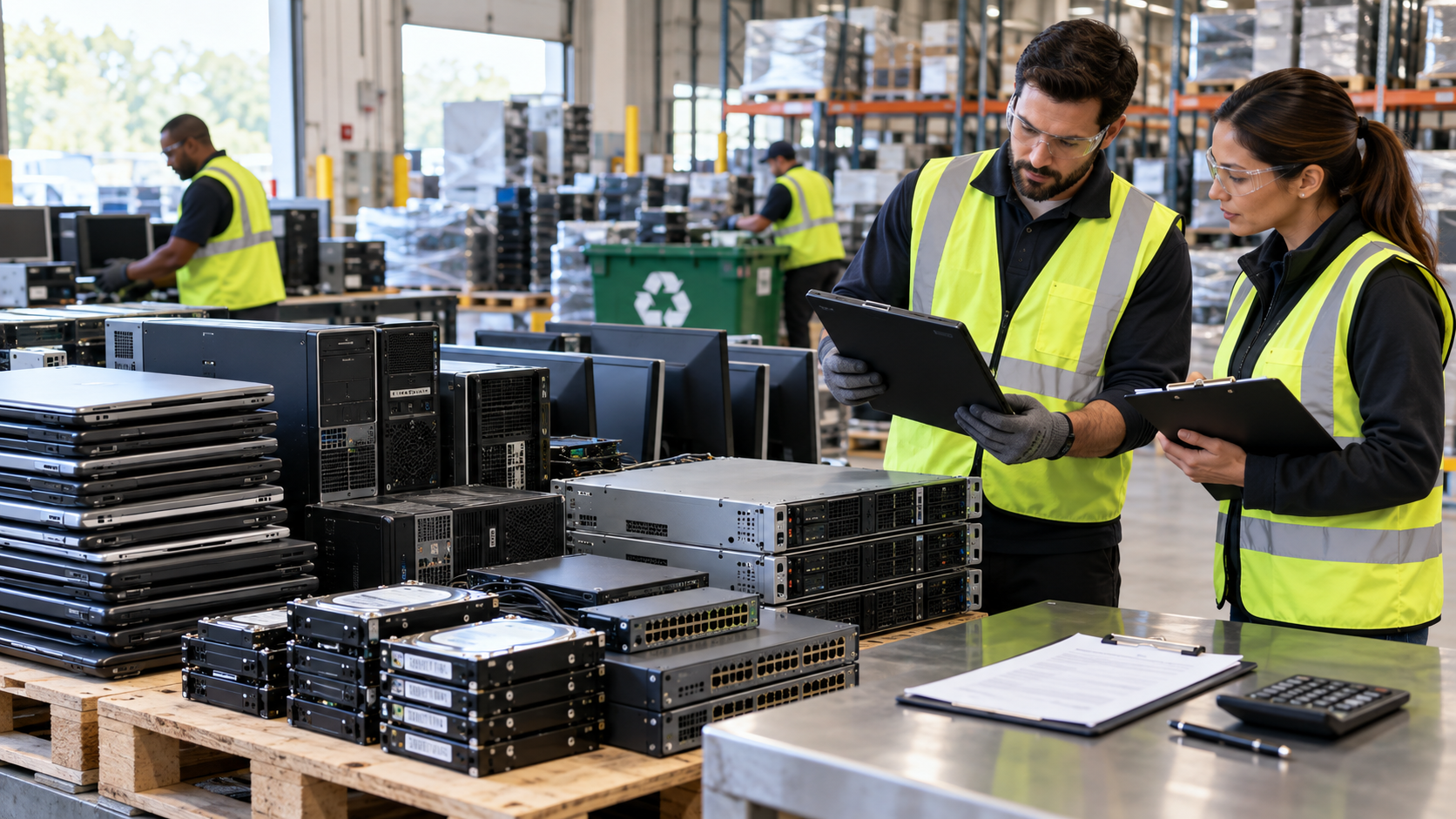
Recycling a few old laptops is relatively simple. Recycling 50, 200, or 1,000 company laptops is different. At that scale, businesses need to think about inventory, sensitive data, batteries, transportation, documentation, reuse value, and where the equipment ultimately goes.
The safest approach to recycle laptops in bulk is to treat the project as an IT asset disposition (ITAD) process rather than simply loading old computers into a truck. That means identifying the equipment, protecting data, choosing an appropriate recycling or reuse provider, maintaining a chain of custody, and retaining records of what happened to the devices.
Here is how to approach the process.
1. Build an Inventory Before the Laptops Leave
Start by determining exactly what you are retiring. For a small batch, a spreadsheet may be enough. Larger organizations may need an asset-management export or serialized inventory.
Useful information can include:
- Manufacturer and model
- Serial number or asset tag
- Approximate age
- Working or non-working condition
- Storage device type
- Accessories included
- Assigned employee or department, when relevant
Separating functional laptops from damaged or obsolete equipment is particularly useful. Working machines may have reuse or resale potential, while damaged equipment may need to move directly into recycling.
Don’t forget accessories. Docking stations, chargers, keyboards, mice, monitors, and other retired equipment can often be included in a broader electronics recycling project.
2. Decide How the Data Will Be Sanitized
A laptop that looks obsolete can still contain valuable company information.
Employee records, customer information, saved credentials, financial documents, intellectual property, emails, and other sensitive files may remain on HDDs or SSDs. Simply deleting files or performing an ordinary factory reset should not automatically be treated as an organization’s complete data-sanitization strategy.
NIST SP 800-88 Rev. 2, published in September 2025, describes media sanitization as making access to target data infeasible for a given level of effort. It recommends that organizations establish a media-sanitization program based on factors such as the sensitivity of their information.
Before releasing laptops, determine:
- What types of data the devices contain.
- Which sanitization standard or organizational policy applies.
- Whether the storage media will be sanitized for reuse or physically destroyed.
- How successful sanitization will be validated.
- What documentation the provider will supply.
For organizations handling particularly sensitive information, ask prospective providers specifically how they process HDDs, SSDs, encrypted drives, damaged storage devices, and equipment that cannot be powered on.
3. Consider Reuse Before Material Recycling
Bulk laptop recycling does not necessarily mean every laptop should immediately be dismantled.
TCEQ encourages Texans to consider repairing, reselling, donating, or recycling used electronics. Functional business laptops may still have useful life after appropriate data sanitization.
A good bulk disposition process can therefore separate equipment into categories such as:
- Suitable for reuse or refurbishment
- Suitable for parts recovery
- Nonfunctional equipment for recycling
- Data-bearing components requiring special processing
- Damaged or swollen batteries requiring appropriate handling
Reuse can preserve functioning equipment, while recycling allows materials from devices that have reached the end of their useful lives to enter appropriate recovery streams.
4. Choose the Bulk Laptop Recycling Provider Carefully
For a commercial project, don’t choose a provider based only on who offers the lowest pickup price.
Ask what happens after the laptops are collected.
Useful questions include:
- Do you provide serialized asset reporting?
- How do you maintain chain of custody?
- How are data-bearing devices sanitized or destroyed?
- Can you provide documentation of data destruction or sanitization?
- What happens to reusable laptops?
- Where do non-reusable devices and components go?
- How are lithium-ion batteries handled?
- Which certifications apply to the facility actually processing the equipment?
- Do you use downstream vendors, and how are they evaluated?
Two certifications commonly encountered in electronics recycling and ITAD are R2v3 and e-Stewards. Certification does not eliminate the need for due diligence, but it can provide an independently audited framework covering important aspects of electronics processing.
For example, SERI’s R2v3 requirements address areas including data security, reuse and downstream management. The e-Stewards Standard includes requirements covering data security and downstream due diligence, and e-Stewards says NAID AAA Certification is a prerequisite for its certified processors.
Always verify the certification status and scope of the specific facility that will handle your equipment.
5. Plan Pickup and Chain of Custody
With hundreds of laptops, logistics become part of security.
Before pickup, establish who has responsibility for the equipment at each stage. A chain of custody creates a documented trail showing how assets move from your organization to the provider and through subsequent processing.
Depending on the project, this can include serialized inventories, pickup records, container counts, transfer documentation, receiving records, and final disposition reports.
Keep laptops in a controlled area while awaiting collection. Avoid leaving retired equipment unattended in hallways, loading areas, unlocked storage rooms, or other locations where devices could disappear without being noticed.
Tell the provider about unusually large quantities, difficult loading conditions, restricted access, stairs, loading-dock requirements, or batteries that are damaged or swollen before scheduling transportation.
6. Keep the Final Documentation
The project isn’t necessarily finished when the truck leaves.
Depending on your organization’s requirements and the services purchased, useful final records may include:
- Asset disposition reports
- Serialized processing records
- Certificates of recycling
- Certificates or records of data sanitization/destruction
- Reuse or resale reports
- Pickup and chain-of-custody documentation
Agree on required documentation before the project begins rather than discovering afterward that an important record is unavailable.
Bulk Laptop Recycling in Houston
Texas operates manufacturer-supported computer recycling programs for consumers, but organizations disposing of commercial quantities often have different requirements involving pickup, inventory, data security, documentation, and ITAD services.
TCEQ also notes that electronics such as laptops and batteries can potentially be classified as hazardous when determined to be waste, depending on their characteristics and circumstances. Businesses should therefore avoid treating obsolete laptops as ordinary trash.
For Houston organizations retiring dozens or hundreds of laptops, working with an appropriate commercial electronics recycling or ITAD provider can simplify the process.
LoneStar e-Waste helps Houston-area businesses connect with local electronics recycling solutions for laptops, computers, servers, office electronics, and other bulk commercial e-waste.
FAQ
Can a business recycle hundreds of laptops at once?
Yes. Commercial electronics recycling and ITAD projects can handle large equipment inventories. Provide the approximate quantity, device types, condition, location, and data-security requirements when requesting a quote.
Should hard drives and SSDs be removed first?
Not necessarily. A qualified provider may be able to sanitize or destroy storage media as part of the disposition process. The right approach depends on your organization’s security requirements and planned reuse of the equipment.
Can working laptops be reused instead of recycled?
Potentially. Functional laptops may qualify for refurbishment or reuse after appropriate data sanitization and testing. Ask the provider how it determines whether equipment is suitable for reuse.
How do I arrange bulk laptop recycling in Houston?
Create an approximate inventory and identify your data-security and documentation requirements first. You can then request a bulk electronics recycling quote through LoneStar e-Waste to be connected with an appropriate Houston-area recycling solution.